
AI tools are changing almost every week. New apps are now doing much more than answering questions. They can build websites, work inside browsers, create images and videos, handle voice conversations, and even help developers build their own AI agents.
This week, several interesting AI tools and major updates have appeared. Some are designed for everyday users, while others are made for developers, creators, businesses, and professionals.
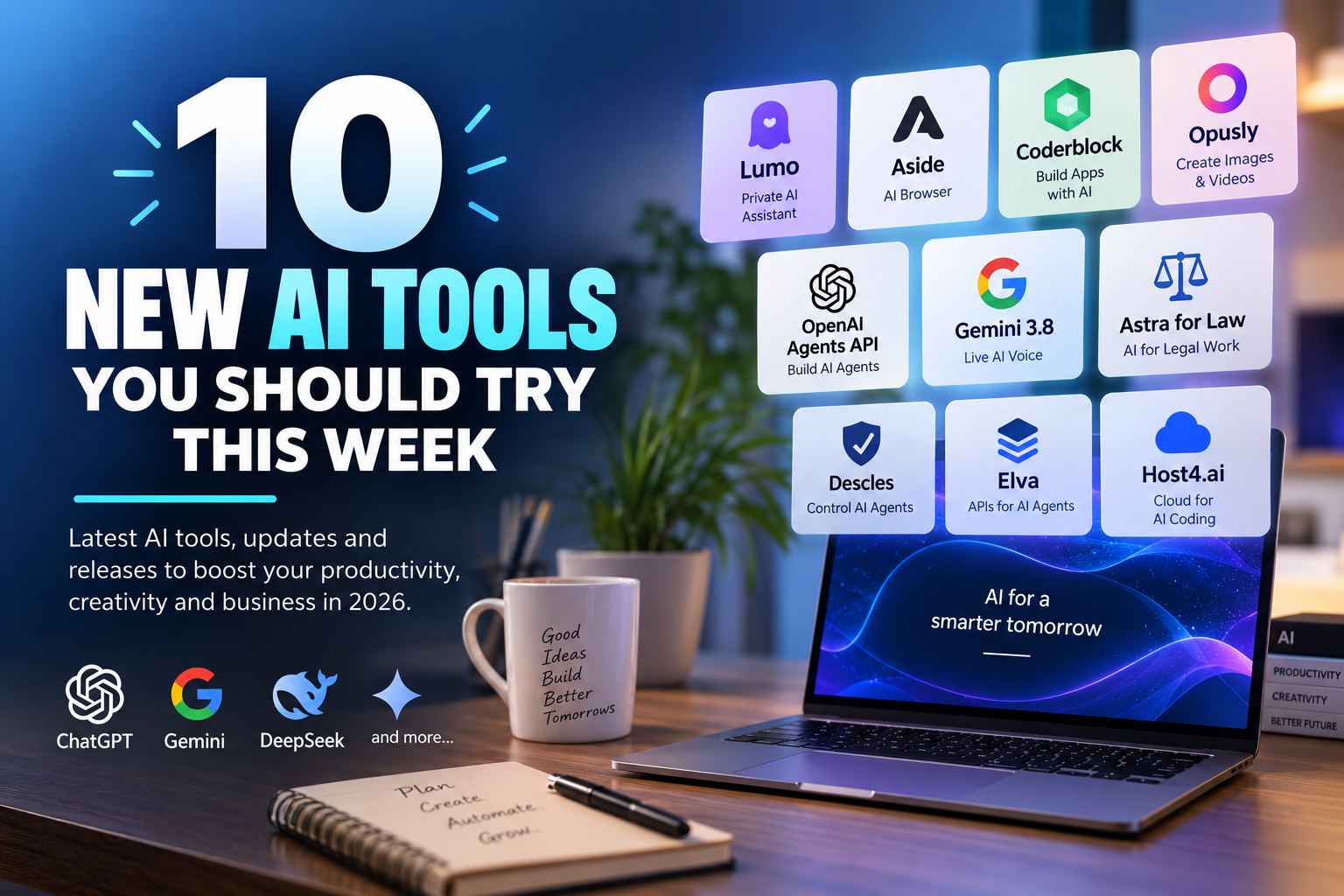
Here are 10 new AI tools and releases worth checking out this week.
1. Lumo AI – A Privacy-Focused AI Assistant
Best for: Research, writing, coding and private AI conversations
Lumo is an AI assistant from Proton, the company known for privacy-focused products. The tool is designed for people who want to use AI while keeping a stronger focus on privacy.
Lumo can help with writing, research, coding, file analysis and image generation. Proton also says that Lumo uses open-source models and follows a no-logs approach.
One interesting feature is its ability to work with documents and other files. This can make it useful for students, writers and professionals who want to analyze information with AI.
Proton recently announced a partnership with the team behind Switzerland’s Apertus AI model, adding another model option to Lumo.
Why try it: If privacy matters to you, Lumo is an interesting alternative to mainstream AI assistants.
2. Aside – An AI Browser That Can Do Tasks
Best for: Web automation and repetitive online work
Aside is different from a normal AI chatbot. It is an AI-powered web browser designed to actually perform tasks on websites.
Instead of simply telling you how to complete a task, Aside can work with websites where you are already logged in. It can handle things such as messages, dashboards and other browser-based tasks.
The company describes it as a browser designed for both people and AI agents. It can work directly with existing websites instead of requiring a separate integration for every service.
A major update arrived this week when Aside released its Windows version on September 14. The company said the Windows version includes almost all of the features available on Mac.
Why try it: It gives you an early look at how AI agents could change the way people use web browsers.
3. Coderblock – Build Apps by Talking to AI
Best for: Websites, web apps and people who do not want to code
Coderblock is an AI-powered app builder that lets users create full-stack applications from a simple description.
You can explain what you want to build, and the platform can generate the frontend, backend and database. It also supports AI code generation, image creation, video creation and AI agents.
For example, you could describe a restaurant ordering website or a booking platform instead of starting by writing hundreds of lines of code.
Coderblock was featured on BetaList on September 14 as a new AI app-building platform.
Why try it: It can be useful for quickly turning an idea into a working prototype.
4. Opusly – AI Image and Video Studio
Best for: Content creators and social media users
Opusly is an AI studio focused on creating images and videos.
One of its main ideas is to make AI creation easier by choosing suitable models and workflows for the user. Instead of forcing users to understand every AI model, Opusly provides ready-made creative workflows called “scenes.”
It currently supports image generation and video generation and includes different creative effects and workflows. The platform also offers a free starting option with welcome credits.
This could be useful for people creating social media posts, advertisements, blog graphics or short videos.
Why try it: You can experiment with multiple AI creative workflows without learning the technical details of every model.
5. OpenAI Agents API – Build Your Own AI Agents
Best for: Developers and SaaS companies
OpenAI’s new Agents API is one of the more important developer releases this month.
It allows developers to build and run cloud-based AI agents using infrastructure based on the Codex agent system. The API is designed to handle long-running tasks, tool usage, context management and multiple subagents.
The system can also work with files and code execution through managed or external sandbox environments.
This means developers can focus more on what their agent should accomplish instead of building all the underlying agent infrastructure themselves.
Why try it: SaaS developers can use it to build AI workers that perform multi-step tasks instead of simply generating text.
6. Gemini 3.8 Live – More Natural AI Voice Conversations
Best for: Voice assistants and developers
Google introduced Gemini 3.8 Live and Gemini 3.8 Live Extended Thinking this week.
These are designed for real-time voice interactions. Instead of treating voice as simply speech-to-text followed by a text response, the models are designed for more natural, continuous conversations.
Gemini 3.8 Live focuses on fast conversations, while the Extended Thinking version is designed for more complex reasoning during voice interactions. Google says the models can also use visual context and perform tasks through tools.
The models are available through Google’s Gemini API, making them particularly interesting for developers building voice-based applications.
Why try it: Voice AI is moving from simple question-and-answer systems toward assistants that can understand context and complete tasks.
7. Astra for Law – AI Built for Legal Work
Best for: Lawyers and legal technology companies
OpenAI launched Astra for Law on September 17.
Rather than being a general-purpose AI tool, Astra for Law is designed specifically for legal work. It combines GPT-6 Astra with legal search capabilities and tools intended for professional legal workflows.
Possible applications include legal research, document analysis, drafting and deal-related work.
OpenAI says the system is being made available to legal technology companies and law firms, with integrations involving platforms such as Clio, Relativity and Thomson Reuters.
This is part of a wider trend: AI companies are increasingly building specialized products for individual industries instead of offering only general chatbots.
Why try it: It shows how AI is moving from general assistants toward industry-specific software.
8. Descles – Control What AI Agents Can Do
Best for: Companies using multiple AI agents
As AI agents become more powerful, businesses need to control what those agents are allowed to do.
Descles is designed around this problem. It provides an approval and control layer for AI agent tool calls.
The platform can help teams track agent activity, set limits and review or deny actions before they happen. It was launched this week as an agent control platform.
This type of software could become increasingly important as companies allow AI agents to interact with databases, APIs, SaaS applications and business systems.
Why try it: AI automation is useful, but businesses also need controls around what autonomous systems can access and change.
9. Elva – API Management for the AI Agent Era
Best for: Developers and SaaS companies
Elva focuses on a problem that is becoming more important as AI agents become common: how should APIs be made usable and safe for AI agents?
The platform can create API catalogs, manage API contracts, generate tests and expose APIs through hosted MCP servers.
MCP, or Model Context Protocol, is becoming an important way for AI systems to connect with external tools and data.
Elva’s focus is therefore less about creating another chatbot and more about helping companies prepare their existing software for AI agents.
Why try it: SaaS companies building AI products may need better ways to expose their existing APIs and services to agents.
10. Host4.ai – Run AI Coding Agents in the Cloud
Best for: Developers and AI coding workflows
Host4.ai is aimed at developers who want AI coding agents to keep working without having to leave their own computer running.
The service provides persistent cloud hosting for coding agents such as Claude Code and Codex. According to its launch information, it includes persistent storage, SSH access and a browser-based terminal.
This is useful for longer-running development jobs where an AI agent needs to continue working while the developer is away.
Why try it: It moves AI coding from short chat sessions toward longer-running automated development workflows.
Quick Comparison
| AI Tool | Best For | Main Use |
|---|---|---|
| Lumo | Privacy-focused users | AI assistant and research |
| Aside | Productivity | Browser automation |
| Coderblock | Beginners & developers | Building web apps |
| Opusly | Creators | AI images and videos |
| OpenAI Agents API | Developers | Building AI agents |
| Gemini 3.8 Live | Voice developers | Real-time voice AI |
| Astra for Law | Legal professionals | Legal research and workflows |
| Descles | Businesses | AI agent control |
| Elva | Developers | APIs and AI agents |
| Host4.ai | Developers | Cloud AI coding |
What These New AI Tools Tell Us
The biggest change is that AI tools are moving beyond simple chatbots.
The new generation of products is increasingly focused on doing work.
An AI browser can operate websites. An AI app builder can create software. Voice models can handle more natural conversations. Developer APIs can run agents for longer periods. Other tools are being built specifically to control and connect these agents.
This also explains why the AI SaaS market is growing so quickly. SaaSCity is currently tracking 32 SaaS launches for September 14–20 alone, showing how quickly new products are entering the market.
Should You Try All 10?
Probably not.
The better approach is to choose tools based on what you actually want to do.
For content creation: Opusly is worth exploring.
For building websites or apps: Coderblock could be useful.
For web automation: Aside is an interesting option.
For private AI use: Lumo is worth checking.
For developers: OpenAI Agents API, Elva and Host4.ai are more relevant.
For voice applications: Gemini 3.8 Live is one of the major new releases this week.
The AI market is changing quickly, so some tools may still be in beta or have limited availability. Before using an AI service for sensitive business information, check its privacy policy, data handling rules and access permissions.
Final Thoughts
The most interesting part of this week’s AI releases is not simply that there are 10 new tools. It is the direction the industry is taking.
AI is becoming more agentic, specialized and connected to other software.
Instead of asking AI to write an answer and then doing everything yourself, the next generation of tools is designed to let AI browse websites, build applications, use APIs, work with files and complete multi-step tasks.
For users, this could mean less repetitive work. For SaaS companies, it creates a new opportunity to build software around AI agents.
The important question is no longer only “Which AI model is smartest?”
It is increasingly “Which AI tool can actually complete the job I need?”