
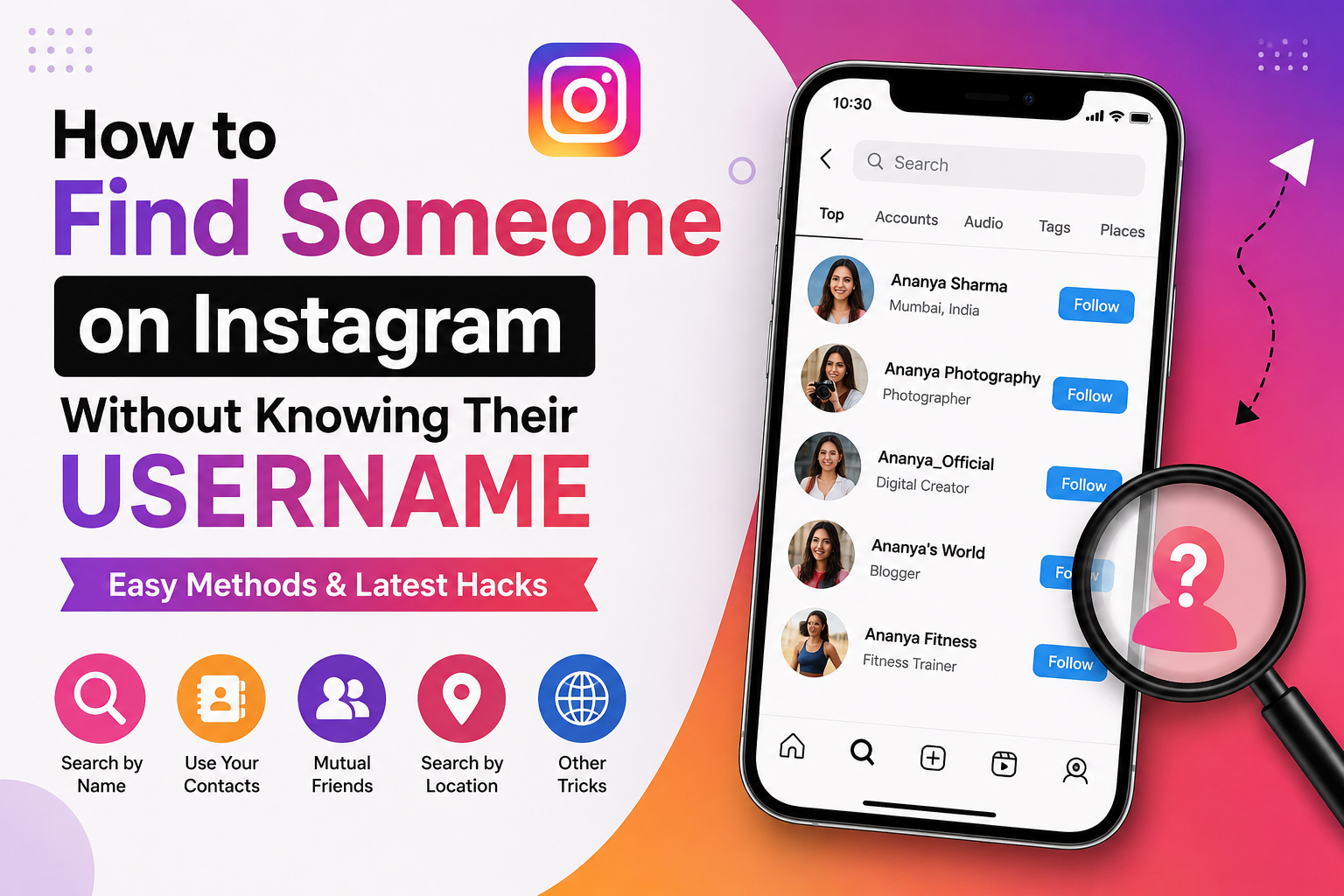
Finding someone on Instagram is easy when you know their username. But what if you only know their name, phone number, photo, workplace, city, or another small detail?
The good news is that you can still try several methods to find the right Instagram account without knowing the exact username.
I have put together the most useful methods below, including some simple tricks that can save you a lot of time.
Important: These methods are meant for finding people you know or for normal, privacy-respecting searches. They should not be used to bypass someone’s privacy, a block, or a private account.
Can You Find Someone on Instagram Without Their Username?
Yes, in many cases.
Instagram does not require you to know a username before you can discover an account. You can search using a person’s real name or nickname, look through mutual followers, use contact suggestions, or search for public information connected to the person.
However, there is no magic search box where you can enter any person’s phone number, email address, or other private information and always get their Instagram account.
The result depends on what information the person has connected to Instagram and what they have made discoverable.
1. Search Their Real Name on Instagram
This is the easiest method to try first.
Open Instagram and tap the Search icon. Enter the person’s full name.
For example, if their name is Rahul Sharma, try:
- Rahul Sharma
- Rahul
- Rahul S Sharma
- Rahul Sharma Mumbai
- A nickname they normally use
- Their business or professional name
Instagram can show accounts based on names and other profile information, but a name is not unique. You may see many unrelated accounts.
How to identify the right profile
Look at several clues instead of choosing the first result.
Check:
- Profile picture
- Display name
- Bio
- City
- Workplace
- School or college
- Mutual followers
- Linked website
- Public posts
- Hobbies or interests
A matching name alone is not enough to confirm that you have found the right person.
2. Try Nicknames and Different Spellings
This is one of the simplest tricks people often forget.
Many people do not use their full real name on Instagram.
Someone named “Sanjay Patel” might use:
- Sanjay
- Sanju
- Sannu
- Sanjay P
- Sanjay Patel Mumbai
- Sanjay Official
- A completely different nickname
So, think about what the person normally calls themselves online.
Also try different spellings.
For example:
Priyanka → Priya → Priyanka P → Priyanka_ → Priyanka123
You are not trying random usernames. You are creating a small list of realistic possibilities based on information you already know.
3. Use Your Phone Contacts
If you have the person’s phone number, Instagram’s contact discovery can be useful.
Instagram can use contact information to suggest accounts that may belong to people in your address book. This only works when the relevant account and contact information are connected in a way that allows Instagram to make the match.
A typical process is:
- Save the person’s phone number in your contacts.
- Open Instagram.
- Go to your profile and open the menu.
- Look for the contact-syncing or people-discovery option.
- Allow contact access if you are comfortable doing so.
- Check the suggested accounts.
A privacy tip
Remember that contact syncing involves sharing your address book with Meta/Instagram for matching and recommendations.
If you only enabled contact syncing to find one person, review the setting afterwards and turn it off if you do not want ongoing contact syncing.
Also remember that having someone’s phone number does not guarantee that Instagram will show their account.
They may use a different number, may not have connected that number to Instagram, or their account may not be discoverable through contacts.
4. Check Your Mutual Friends
This can be much better than searching thousands of accounts.
Suppose you are looking for someone named Amit and you know that Amit is friends with your colleague Neha.
Open Neha’s Instagram profile and check:
Followers
and
Following
Then search within those lists for the person’s name or nickname.
You may recognize the account from their profile picture even if the username is completely different.
This method is particularly useful when you share the same school, college, workplace, neighbourhood, or friend group.
5. Search Using Their Workplace, School, or College
Here is a useful trick when a person’s name is common.
Suppose you are trying to find:
Aman
You know he studied at a particular college.
Instead of searching only for “Aman”, look for accounts connected with:
- The college name
- The company name
- A school
- A sports club
- A professional organisation
- A local business
- A community
You can then compare the profiles you find.
This works especially well for people who mention their workplace, education, or interests in their public Instagram bio.
6. Search Instagram Locations
If you know where the person spends time, location pages can sometimes help.
For example, if you know someone regularly visits a particular:
- College
- Gym
- Restaurant
- Office
- Event venue
- Tourist destination
Search for that location on Instagram and look at public posts connected with it.
This is not a guaranteed method, because Instagram’s available location content and visibility can change. Also, the person may never have posted from that location.
Use this method only as a clue, not as proof that a profile belongs to someone.
7. Search Hashtags Related to the Person
Hashtags can also provide clues.
For example, if you know the person is involved with a particular:
- College
- Sports team
- Event
- Profession
- Hobby
- Community
- Local activity
Search related public hashtags.
For example:
#MumbaiPhotography
#MumbaiRunners
#MumbaiCollege
You may discover public posts or accounts connected with the same community.
This works better for people who actively post publicly.
8. Search Google for Their Instagram Account
You do not have to search only inside Instagram.
Google can sometimes find public Instagram pages or other websites that mention someone’s Instagram profile.
Try searches such as:
“Rahul Sharma” Instagram
or:
“Rahul Sharma” “Instagram” Mumbai
You can also add information that you already know:
“Rahul Sharma” Instagram photographer
or:
“Rahul Sharma” Instagram college name
The important trick is to use specific information together.
Searching only a common name can produce hundreds of unrelated results.
9. Search Their Other Social Media Profiles
Many people use the same identity across different platforms.
If you already know their:
- Facebook profile
- LinkedIn profile
- X account
- YouTube channel
- Personal website
- Business page
check whether they have listed an Instagram account.
This can be one of the strongest ways to find the correct profile because you are starting from an account you have already identified.
A public website or social profile may also contain a direct Instagram link.
10. Try a Reverse Image Search
What if you have their photo but no name or username?
A reverse image search can sometimes help.
Upload the image to a reverse image search service and check whether the same photograph appears on public websites or social profiles.
This can work particularly well when:
- The photo is publicly available online
- The person uses the same profile picture elsewhere
- A website has embedded the person’s Instagram profile
- The image has appeared in public articles or profiles
But there is an important limitation.
A reverse image search cannot magically identify every person in a photograph. If the image has never been publicly indexed, you may get no useful result.
11. Search for the Same Username on Other Platforms
This is another useful trick.
Maybe you know that the person uses the name:
RahulTech
on YouTube or X.
Search that same name on Instagram.
Try small variations too:
- RahulTech
- Rahul_Tech
- Rahul.Tech
- RahulTech01
- RealRahulTech
People sometimes reuse the same handle across multiple platforms.
Just because the username matches does not prove that the account belongs to the same person. Check the profile photo, bio, links, and other public information.
12. Use Instagram’s Suggested Accounts
Instagram’s recommendations can sometimes help you discover people you already know.
Suggestions can be influenced by signals such as contacts and connections.
If you have several mutual connections with the person, their account may appear naturally in your suggestions.
This method is less direct, but it can be useful when you are not sure what name or username they use.
13. Search for Their Name Plus a Unique Detail
This is one of my favourite search tricks.
Instead of searching:
Rahul
combine the name with something distinctive.
For example:
Rahul + Mumbai
Rahul + photographer
Rahul + college name
Rahul + company
Rahul + cricket
The more specific the information, the fewer irrelevant results you are likely to see.
The same idea works on Google.
For example:
“Rahul Sharma” Instagram photographer Mumbai
This can sometimes bring up a public profile that is difficult to find using Instagram’s search alone.
14. Look for Multiple Clues Before Following
Finding a possible account is only half the job.
Before assuming it is the right person, compare at least two or three public clues.
For example:
| Clue | Possible Match |
|---|---|
| Name | Rahul Sharma |
| Photo | Looks familiar |
| City | Mumbai |
| Workplace | Same company |
| Mutual friend | 2 mutual followers |
| Hobby | Photography |
If several independent details match, you have much more confidence that the account is correct.
Do not rely on a profile photo alone. Similar photos and names can easily lead to the wrong person.
What If You Cannot Find the Person?
There are several possible reasons.
The person may:
- Use a different name
- Use a nickname
- Have changed their username
- Have a private account
- Have deleted or deactivated the account
- Have a new account
- Not have an Instagram account
- Not be discoverable through your contacts
- Have blocked you
So, not finding an account does not prove that the person does not use Instagram.
Can You Find Someone on Instagram by Phone Number?
Sometimes, but not through a normal public phone-number search box.
The more realistic method is Instagram’s contact discovery system.
If the phone number is connected to an Instagram account and the account can be suggested through contact matching, Instagram may show the profile as a recommendation.
If nothing appears, do not assume the number is wrong. There can be several other reasons for the missing result.
Can You Find Someone on Instagram by Email?
Instagram does not provide a simple public search box where you enter someone’s email address and receive their account.
If you have the email address, contact syncing or another public account connected to that person may provide a clue, but there is no guarantee of a match.
Can You Find a Private Instagram Account?
You may be able to find the account itself, but you cannot legitimately use a trick to unlock its private posts.
If the account is private, the normal option is to send a follow request.
Be careful with websites that claim they can:
- View private Instagram profiles
- Show hidden followers
- Reveal private messages
- Bypass Instagram blocks
- Show someone’s secret account
These services are often unreliable and can create privacy and security risks. Recent guidance also recommends avoiding fake accounts, scraping services, leaked databases, and tools designed to bypass privacy controls.
Does Instagram Tell Someone When You Search for Them?
No normal notification is sent simply because you search for someone’s Instagram account.
However, this does not mean all activity is invisible.
For example, interacting with someone’s content or viewing certain features such as Stories can create visible activity. So searching for someone is different from interacting with their account.
My Best Method: Combine Several Small Clues
If I were trying to find someone without their Instagram username, I would not spend an hour guessing usernames.
I would use this order:
1. Search their real name
↓
2. Try nicknames and spelling variations
↓
3. Check mutual followers
↓
4. Use contact suggestions if I already have their number
↓
5. Search Google with their name + location/workplace
↓
6. Check their other public social profiles
↓
7. Try reverse image search if I have a photo
↓
8. Compare several public clues before deciding it is the right account
This approach is faster and gives you a much better chance of avoiding false matches.
Final Thoughts
You do not always need an Instagram username to find someone.
A real name, nickname, phone contact, mutual friend, photo, workplace, school, location, or another social profile can give you a starting point.
The most important thing is not to depend on one clue. Combine a few pieces of public information and verify the profile carefully.
At the same time, respect the other person’s privacy. If Instagram does not make an account discoverable, there is no legitimate reason to try to bypass that choice.
The goal should be to find the right public profile, not to defeat someone’s privacy settings.