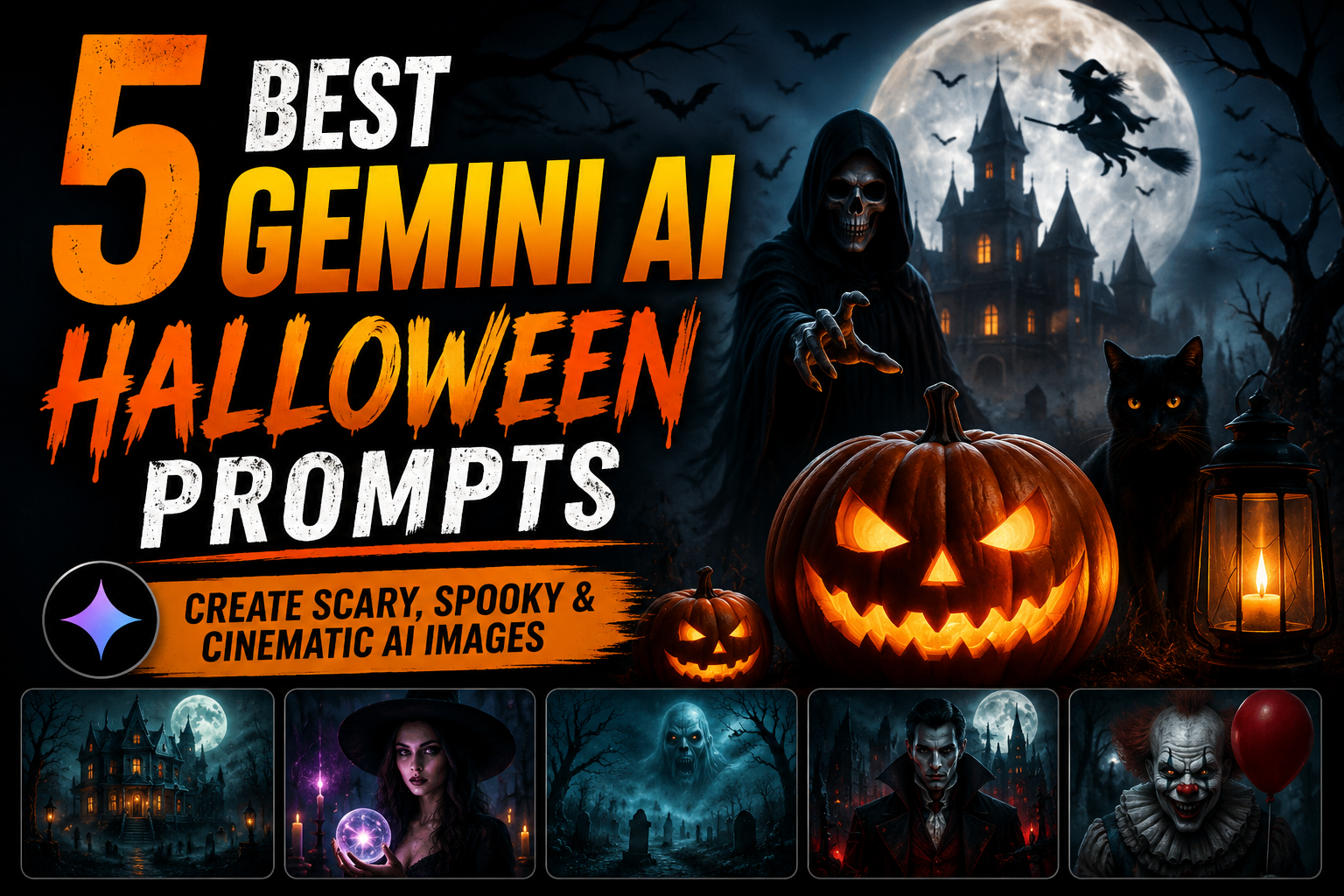
Halloween is the perfect opportunity to transform ordinary photos into cinematic works of art with Google Gemini AI. Instead of simply adding pumpkins or changing the background, Gemini can completely redesign a person, house, or landscape into an incredible Halloween masterpiece.
Whether you want to become a dark witch, a vampire, a haunted king, or create a terrifying Halloween town, all you need to do is upload an image and use the right prompt.
The prompts below are designed to preserve only the essential identity of the uploaded image while completely redesigning everything else. This allows Gemini to create dramatic, movie-quality Halloween artwork instead of simple photo edits.
Prompt 1: Transform Yourself into the Pumpkin King
What this prompt creates
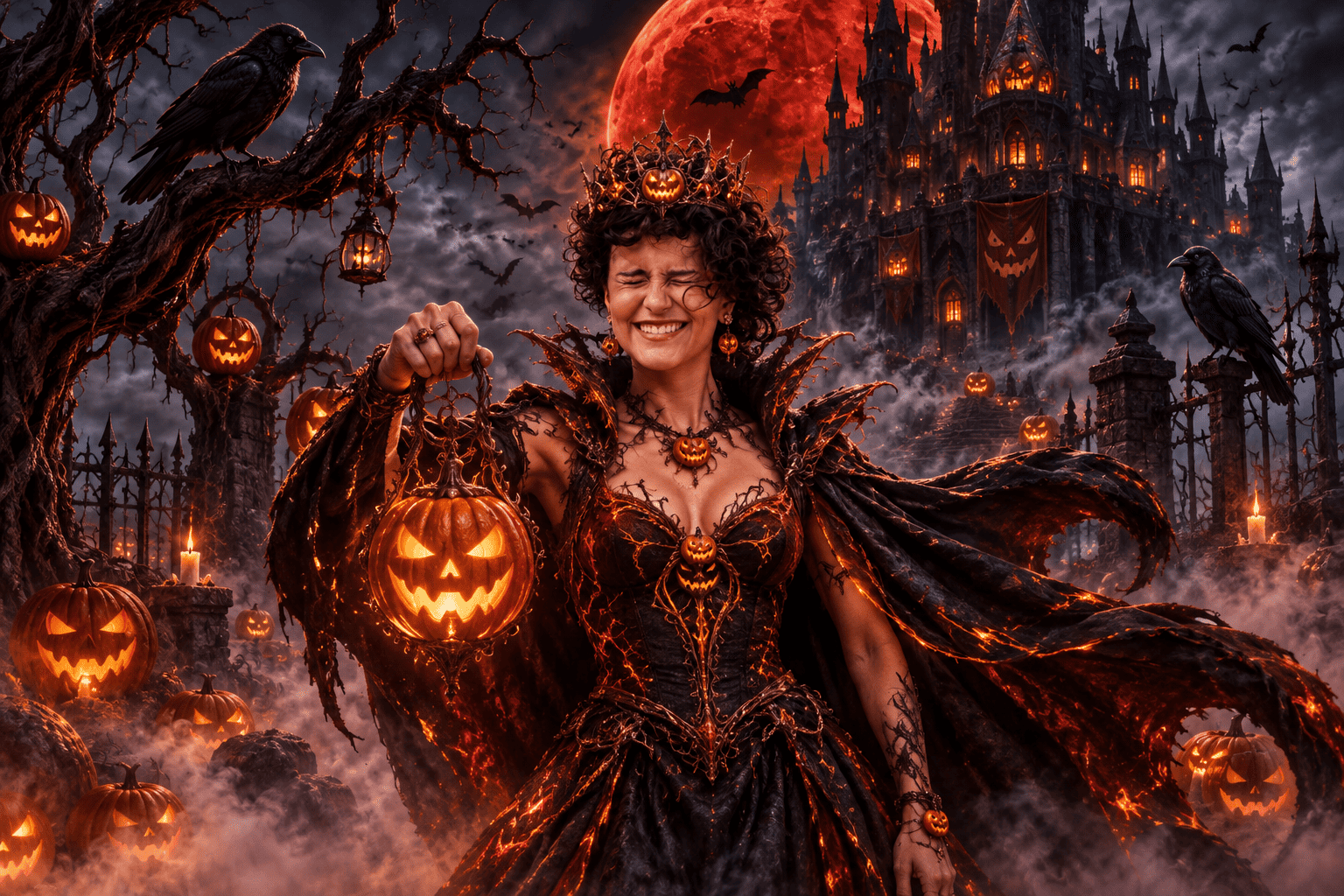
This prompt completely redesigns a person’s appearance into a legendary Halloween ruler while keeping only the facial identity recognizable.
Gemini AI Prompt
Use the uploaded image as the primary reference. Preserve only the person’s facial identity and recognizable facial features so the subject can still be recognized. Completely redesign everything else, including the hairstyle, clothing, armor, accessories, makeup, body styling, pose, and overall appearance. Transform the subject into the legendary Pumpkin King wearing an elaborate gothic royal costume with glowing orange embroidery, a dark flowing cape, an ancient pumpkin crown, glowing magical effects, and intricate Halloween-themed accessories. Place the character inside a haunted pumpkin kingdom surrounded by glowing jack-o’-lanterns, rolling fog, twisted trees, ravens, flying bats, and a giant blood-red moon. Use dramatic cinematic lighting, realistic shadows, volumetric fog, HDR lighting, ultra-detailed textures, photorealistic rendering, and breathtaking 8K quality. The final image should resemble a premium Hollywood fantasy horror movie poster.
Best for: Portraits, selfies, profile pictures, cosplay, wallpapers, posters, and social media.
Prompt 2: Become a Dark Witch or Warlock
What this prompt creates
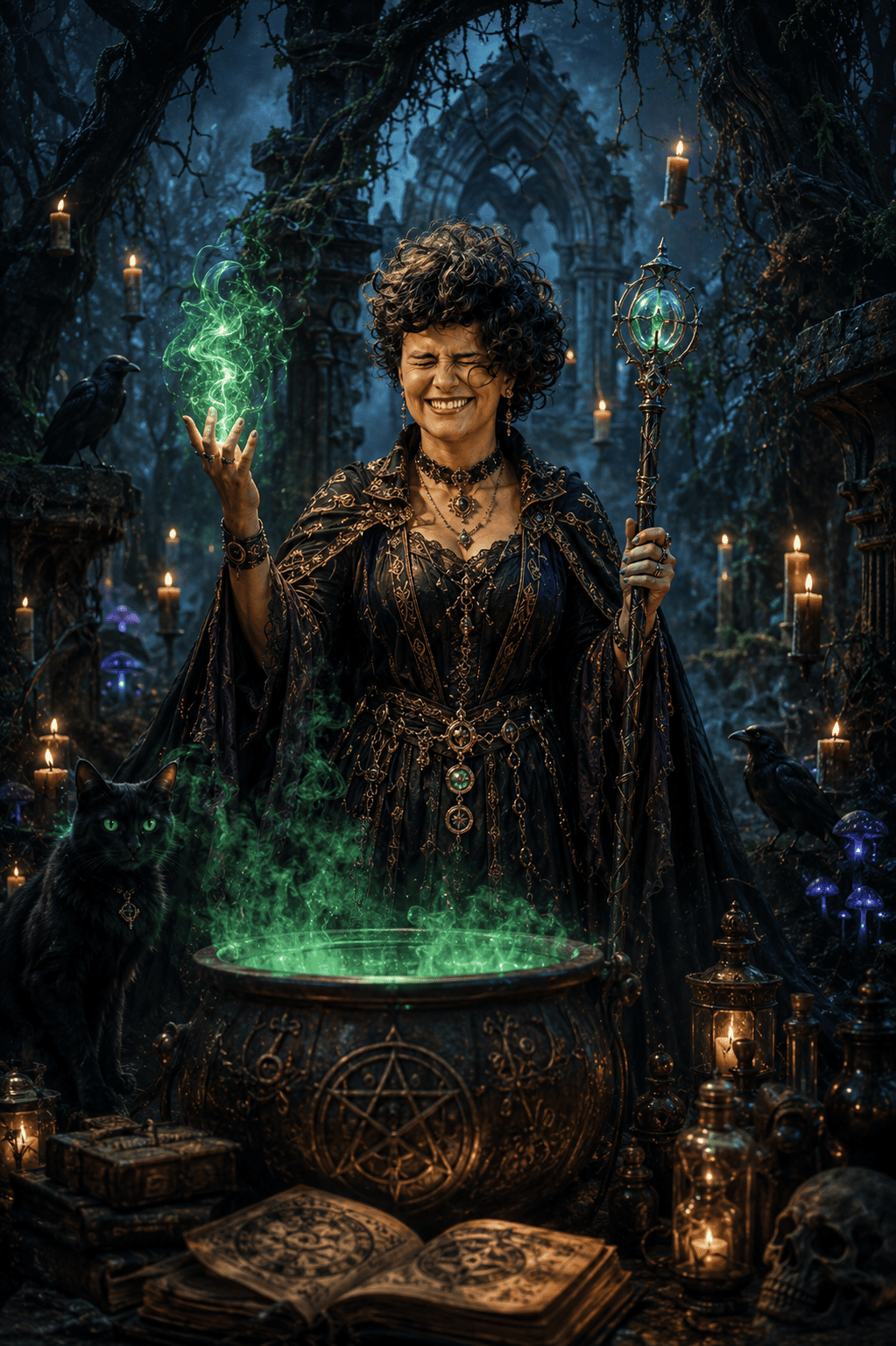
This prompt transforms an ordinary portrait into a powerful Halloween witch or warlock with an entirely new fantasy appearance.
Gemini AI Prompt
Use the uploaded image as the reference. Preserve only the person’s facial identity and key facial features while completely redesigning the hairstyle, outfit, makeup, accessories, pose, body styling, and overall character design. Transform the subject into a powerful Halloween witch or dark warlock wearing luxurious gothic robes with glowing magical symbols, enchanted jewelry, dramatic makeup, mystical glowing eyes, and elegant fantasy accessories. Place the character inside an ancient enchanted forest filled with floating candles, magical mist, glowing mushrooms, ancient ruins, black cats, ravens, and a bubbling magical cauldron. Create dramatic cinematic lighting, realistic volumetric fog, fantasy realism, ultra-detailed textures, HDR rendering, and photorealistic 8K quality.
Best for: Portraits, fantasy artwork, profile pictures, wallpapers, and Halloween invitations.
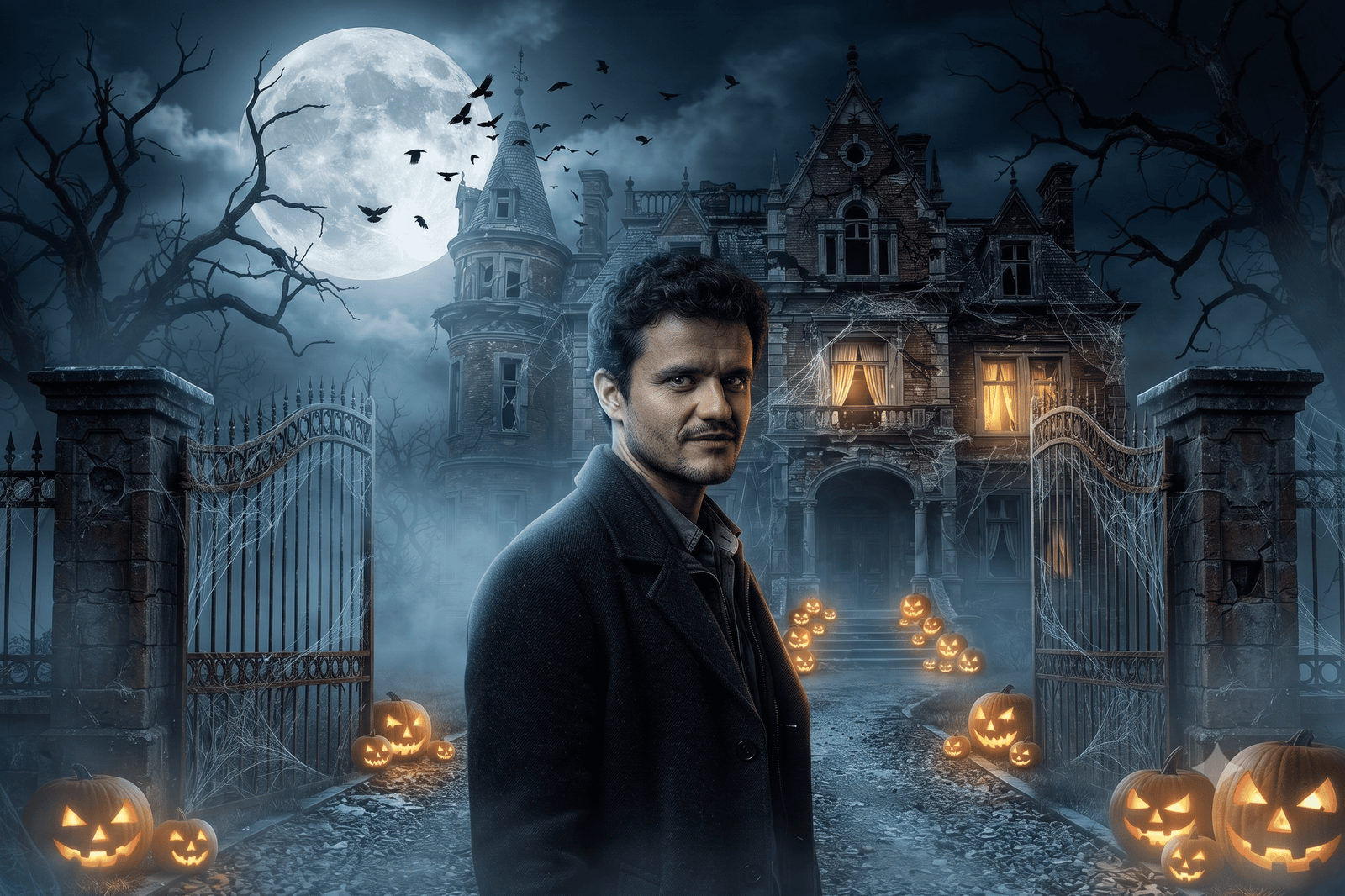
Prompt 3: Turn Your Home into a Haunted Mansion
What this prompt creates
Transform any house into an abandoned haunted mansion worthy of a horror movie.
Gemini AI Prompt
Use the uploaded image as the reference. Preserve the original building structure and overall perspective while completely redesigning the architecture into an abandoned Victorian haunted mansion. Replace modern elements with cracked walls, broken windows, gothic decorations, iron gates, old lanterns, weathered stone textures, twisted dead trees, glowing pumpkins, spider webs, ravens, bats, eerie fog, mysterious glowing windows, and a massive full moon. Enhance every detail with cinematic lighting, realistic shadows, volumetric fog, HDR rendering, photorealistic textures, and ultra-detailed 8K quality to create the atmosphere of a blockbuster horror film.
Best for: Houses, castles, cabins, wallpapers, posters, and Halloween decorations.
Prompt 4: Create a Haunted Ghost Train Scene
What this prompt creates
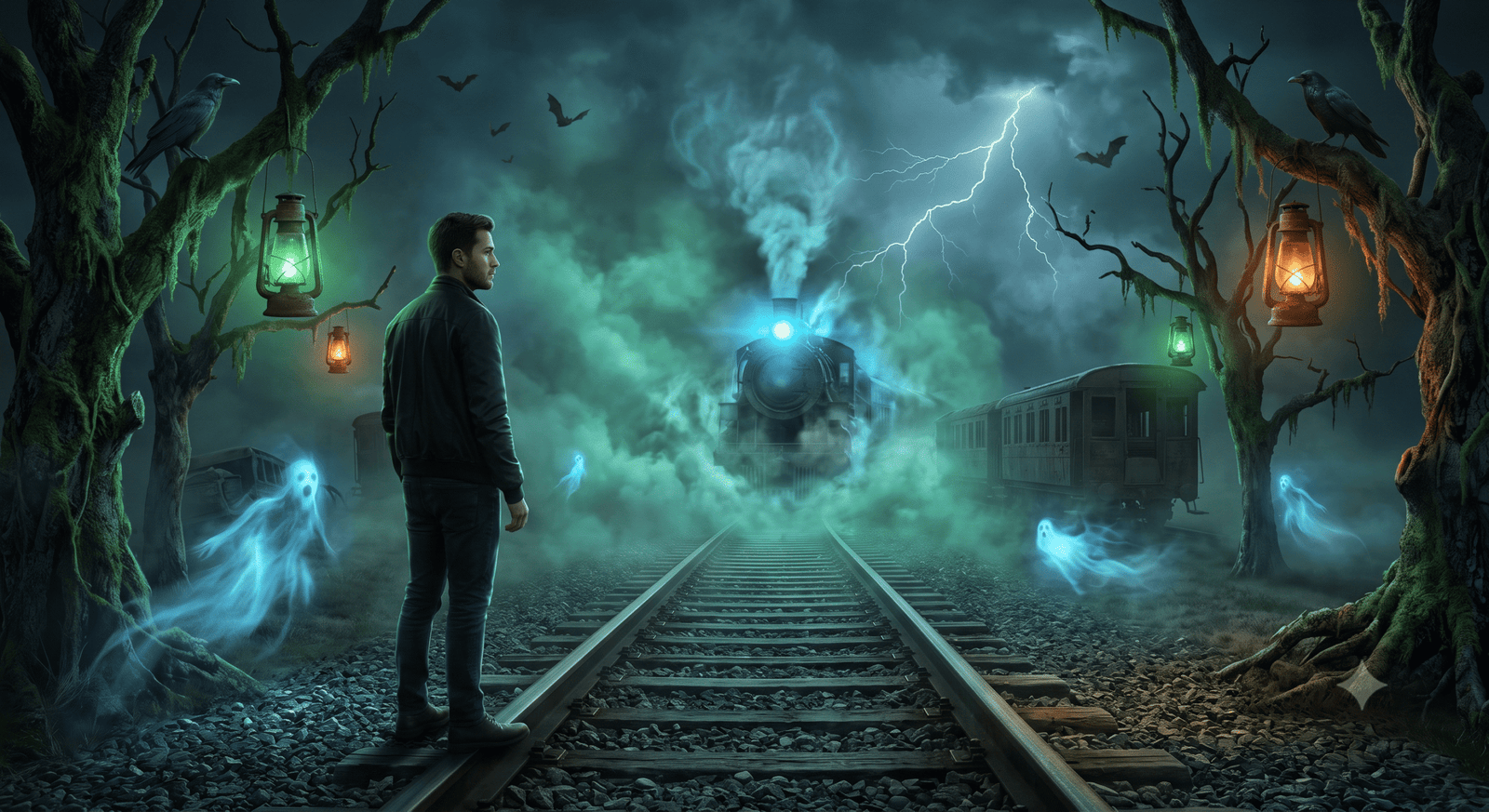
Transform any railway or transportation scene into a supernatural Halloween environment.
Gemini AI Prompt
Use the uploaded image as the reference while preserving the original perspective and composition. Completely redesign the entire environment into a haunted railway where a ghost train emerges through dense rolling fog. Add abandoned railway tracks, glowing blue spirits, mysterious green lights, old lanterns, lightning, twisted trees, bats, ravens, smoke effects, supernatural energy, and dramatic cinematic lighting. Use realistic textures, volumetric fog, HDR lighting, photorealistic rendering, and ultra-detailed 8K quality to create an immersive horror movie scene.
Best for: Railway tracks, bridges, abandoned places, wallpapers, and cinematic artwork.
Prompt 5: Transform Any Street into a Halloween Festival
What this prompt creates
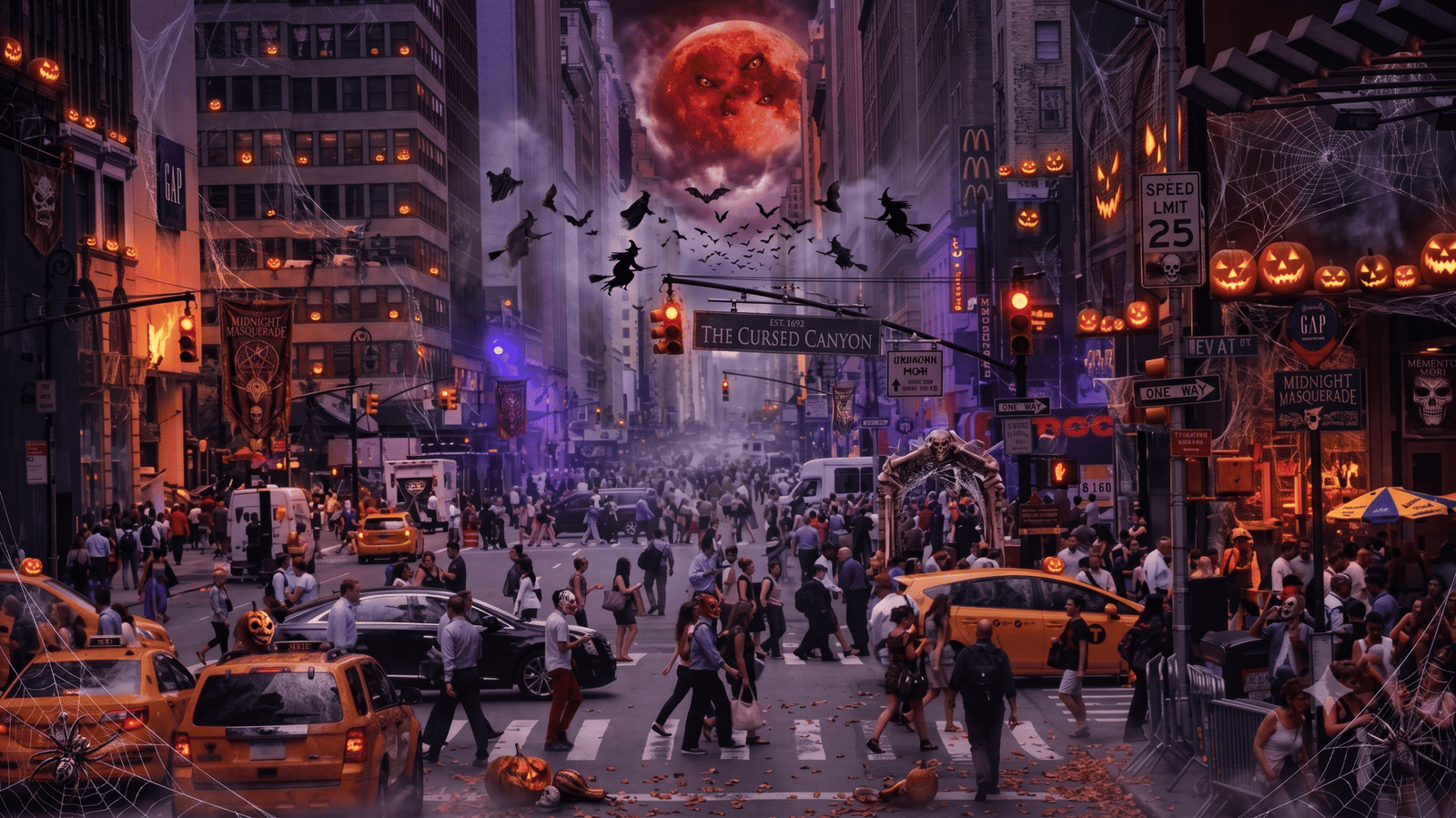
Completely redesign an ordinary neighborhood into a magical Halloween celebration.
Gemini AI Prompt
Use the uploaded image as the reference. Preserve the original street layout and perspective while completely redesigning the environment into a spectacular Halloween festival. Decorate every building with glowing jack-o’-lanterns, orange lanterns, spider webs, skeleton decorations, scarecrows, gothic banners, black cats, friendly ghosts, witches flying across the sky, glowing windows, autumn leaves, cinematic fog, and a giant blood-red moon. Add dramatic lighting, realistic reflections, HDR rendering, ultra-detailed textures, photorealistic quality, and an immersive 8K cinematic atmosphere.
Best for: Streets, neighborhoods, cities, travel photos, blog featured images, wallpapers, and greeting cards.
Tips for Better Results
To create even more realistic Halloween artwork with Gemini AI:
- Upload a clear, high-resolution image.
- Mention that only the facial identity should be preserved if transforming a person.
- Ask Gemini to completely redesign the clothing, hairstyle, makeup, accessories, pose, and environment.
- Include terms such as cinematic lighting, photorealistic, HDR, volumetric fog, ultra-detailed, and 8K quality.
- If the first result isn’t exactly what you want, refine the prompt by describing additional costume details, lighting, or artistic direction instead of starting over.
Frequently Asked Questions
Do these prompts work with uploaded photos?
Yes. Upload your photo first, then paste one of the prompts into Gemini. They work best with portraits, houses, streets, landscapes, and other high-quality images.
Will Gemini keep my face?
Yes. These prompts instruct Gemini to preserve only your recognizable facial identity while redesigning the rest of the image into a detailed Halloween-themed creation.
Can I customize the prompts?
Absolutely. You can change the character, costume, colors, weather, lighting, artistic style, or background to create completely unique Halloween artwork.
Final Thoughts
Google Gemini AI can do far more than simply change a background. With a detailed prompt, it can completely reimagine a person, building, or landscape into a stunning Halloween creation while preserving the key identity of the original subject.
Try these prompts as a starting point, experiment with different Halloween characters and visual styles, and create unique AI artwork that stands out on social media, blogs, posters, and wallpapers.