
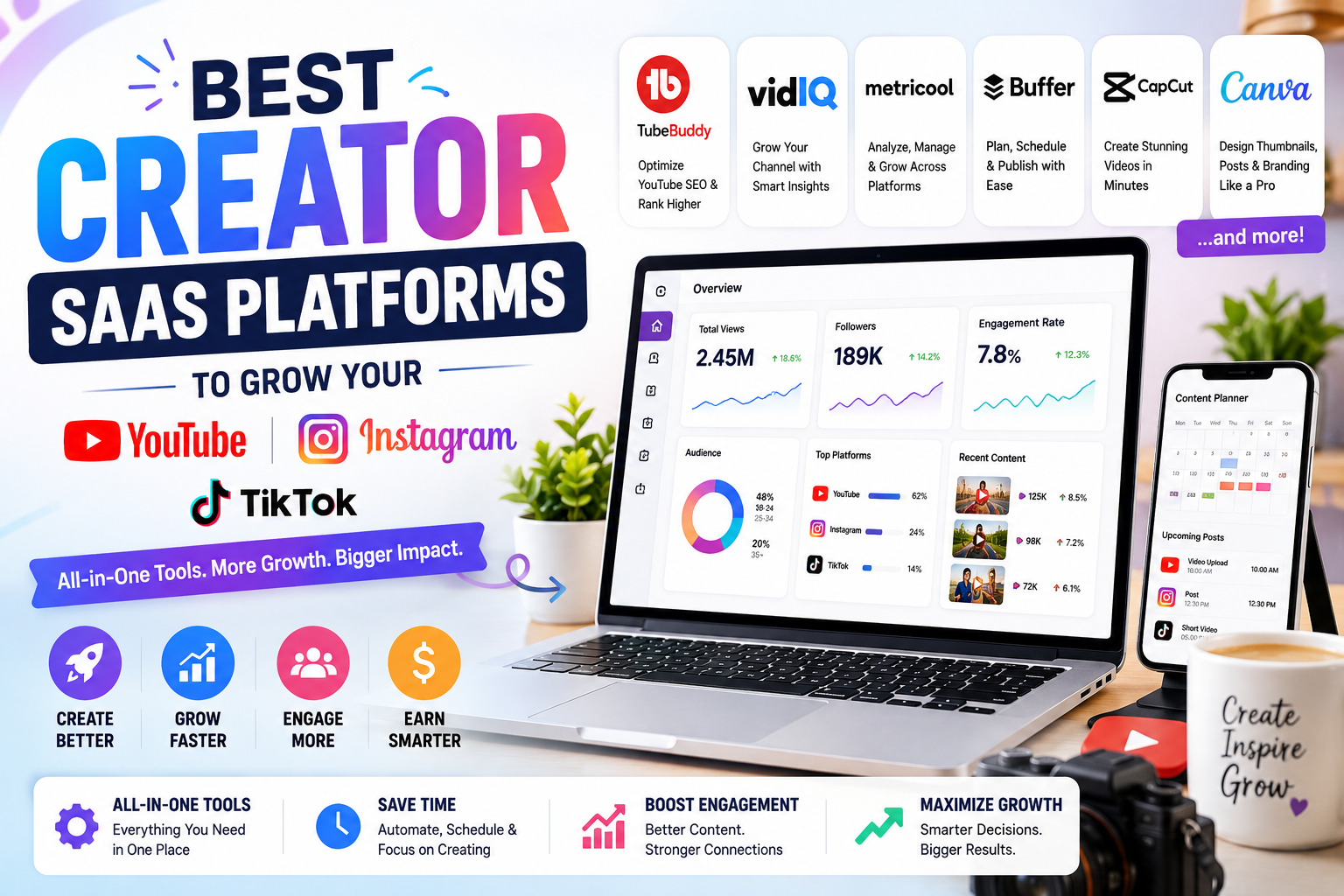
Creating content in 2026 is more competitive than ever. Millions of videos are uploaded every day on YouTube, Instagram, and TikTok. Simply posting content is no longer enough—you need the right tools to plan, edit, analyze, and grow.
Creator SaaS (Software as a Service) platforms help creators save time, improve content quality, understand their audience, and increase earnings. Whether you’re a beginner or a full-time creator, these tools can make your workflow much easier.
In this guide, we’ll explore the 10 best creator SaaS platforms that can help you grow your social media channels in 2026.
Quick Comparison
| Platform | Best For | Free Plan | Starting Price |
|---|---|---|---|
| TubeBuddy | YouTube SEO | No | $3.00month |
| vidIQ | YouTube Growth | ✅ | $7.50/month |
| Metricool | Multi-platform Analytics | ✅ | $18/month |
| Buffer | Social Media Scheduling | ✅ | $6/month per channel |
| Canva Pro | Content Design | Limited | $15/month |
| CapCut | AI Video Editing | ✅ | $9.99/month |
| OpusClip | AI Short Clips | Limited | $15/month |
| Repurpose.io | Content Repurposing | No | $35/month |
| Beacons | Creator Business | ✅ | $10/month |
| Hypefury | X & LinkedIn Growth | Trial | $29/month |
1. TubeBuddy
TubeBuddy is one of the most popular tools for YouTube creators. It works directly inside YouTube and helps you optimize videos for better rankings.
Key Features
- Keyword research
- SEO score
- Tag suggestions
- Thumbnail testing
- Bulk video updates
- AI title generator
Best For
- New YouTubers
- Educational creators
- Tech reviewers
- Long-form content
Pros
- Easy to use
- Great SEO features
- Affordable plans
- Saves editing time
Cons
- Mainly focused on YouTube
- Advanced tools require paid plans
2. vidIQ
vidIQ uses AI to help creators discover trending topics and improve video performance.
Key Features
- AI content ideas
- Daily video recommendations
- Competitor tracking
- Keyword research
- Channel audits
Best For
Creators who want data-driven growth.
Pros
- Excellent AI suggestions
- Beginner friendly
- Strong analytics
Cons
- Premium features are limited on the free plan.
3. Metricool
Metricool is an all-in-one platform for managing YouTube, Instagram, TikTok, Facebook, LinkedIn, Pinterest, and X.
Key Features
- Analytics dashboard
- Content scheduling
- Competitor analysis
- Hashtag tracking
- Performance reports
Best For
Creators managing multiple platforms.
Pros
- One dashboard for everything
- Easy reporting
- Supports many social platforms
Cons
- Learning curve for beginners.
4. Buffer
Buffer is one of the simplest tools for scheduling social media posts.
Key Features
- Post scheduling
- Content calendar
- Team collaboration
- Analytics
- AI writing assistant
Best For
Small creators and businesses.
Pros
- Clean interface
- Reliable scheduling
- Affordable pricing
Cons
- Analytics are basic compared to premium tools.
5. Canva Pro
Canva has become an essential tool for creators who need professional graphics without hiring a designer.
Key Features
- Thumbnail maker
- Instagram templates
- TikTok video templates
- AI image generator
- Brand kit
- Magic Resize
Best For
Anyone creating visual content.
Pros
- Thousands of templates
- Beginner friendly
- Huge stock library
Cons
- Limited advanced editing compared to Photoshop.
6. CapCut
CapCut is one of the best AI-powered video editing tools for short-form content.
Key Features
- Auto captions
- AI background removal
- Trending effects
- Text animations
- Templates
- Voice enhancement
Best For
TikTok, Instagram Reels, and YouTube Shorts.
Pros
- Fast editing
- Free version available
- AI-powered features
Cons
- Some premium effects require a subscription.
7. OpusClip
OpusClip converts long videos into multiple viral-ready short clips using AI.
Key Features
- AI clipping
- Auto captions
- Viral score
- Smart reframing
- Social media optimization
Best For
Podcasters and YouTubers.
Pros
- Saves hours of editing
- High-quality AI clips
- Great for repurposing
Cons
- Limited free exports.
8. Repurpose.io
Repurpose.io automatically publishes content across multiple platforms.
For example:
- YouTube → TikTok
- TikTok → Instagram
- Instagram → Facebook
- Podcast → YouTube
Key Features
- Automation
- Auto publishing
- Workflow builder
- Cloud storage integration
Pros
- Saves time
- No manual uploads
- Excellent automation
Cons
- No free plan.
9. Beacons
Beacons is more than a link-in-bio tool. It helps creators manage their online business.
Key Features
- Link in bio
- Digital product sales
- Email marketing
- Brand deals
- Analytics
- Media kit
Best For
Creators who want to monetize.
Pros
- Easy setup
- Multiple income options
- Professional appearance
Cons
- Premium features require paid plans.
10. Hypefury
Although designed mainly for X (Twitter), Hypefury also supports LinkedIn growth and content automation.
Key Features
- AI writing
- Auto reposts
- Scheduling
- Analytics
- Thread creation
Best For
Personal branding creators.
Pros
- Excellent automation
- Saves posting time
- Good analytics
Cons
- Not focused on YouTube or TikTok.
How to Choose the Right Creator SaaS
Before buying any software, ask yourself these questions:
| Need | Recommended Tool |
|---|---|
| YouTube SEO | TubeBuddy, vidIQ |
| Short Video Editing | CapCut |
| AI Clip Generation | OpusClip |
| Social Scheduling | Buffer |
| Multi-Platform Analytics | Metricool |
| Graphic Design | Canva Pro |
| Automation | Repurpose.io |
| Monetization | Beacons |
Tips to Grow Faster in 2026
Using software alone won’t guarantee success. Combine these tools with smart content strategies:
- Post consistently every week.
- Focus on solving audience problems.
- Use AI to save time, not replace creativity.
- Track analytics and improve based on data.
- Repurpose one video into multiple short clips.
- Design eye-catching thumbnails and covers.
- Test different titles and posting times.
- Engage with comments and build a community.
Which Platform Is Best?
| Creator Type | Best Choice |
|---|---|
| Beginner YouTuber | TubeBuddy |
| Professional YouTuber | vidIQ |
| Instagram Creator | Canva Pro |
| TikTok Creator | CapCut |
| Multi-platform Creator | Metricool |
| Podcaster | OpusClip |
| Business Creator | Beacons |
| Social Media Manager | Buffer |
Frequently Asked Questions
Which creator SaaS is best for YouTube?
TubeBuddy and vidIQ are among the best options because they offer keyword research, SEO insights, analytics, and AI-powered recommendations.
Which software is best for editing short videos?
CapCut is one of the top choices for editing TikTok videos, Instagram Reels, and YouTube Shorts thanks to its AI editing tools and easy-to-use interface.
Is Canva Pro worth it for creators?
Yes. Canva Pro helps you create professional thumbnails, social media posts, presentations, and marketing materials quickly, making it a valuable tool for most creators.
Can AI help grow my social media channels?
Yes, AI can assist with editing, content ideas, captions, scheduling, analytics, and content repurposing. However, original ideas and audience engagement remain essential for long-term growth.
Final Thoughts
The creator economy continues to grow in 2026, and using the right SaaS tools can give you a competitive advantage. Whether you’re optimizing YouTube videos with TubeBuddy, creating stunning visuals in Canva Pro, editing shorts in CapCut, or managing multiple platforms with Metricool, the right software can save time and improve your results.
Start with one or two tools that match your goals, learn them well, and expand your toolkit as your audience grows. The best creator SaaS platform isn’t necessarily the one with the most features—it’s the one that fits your workflow and helps you create consistently.