
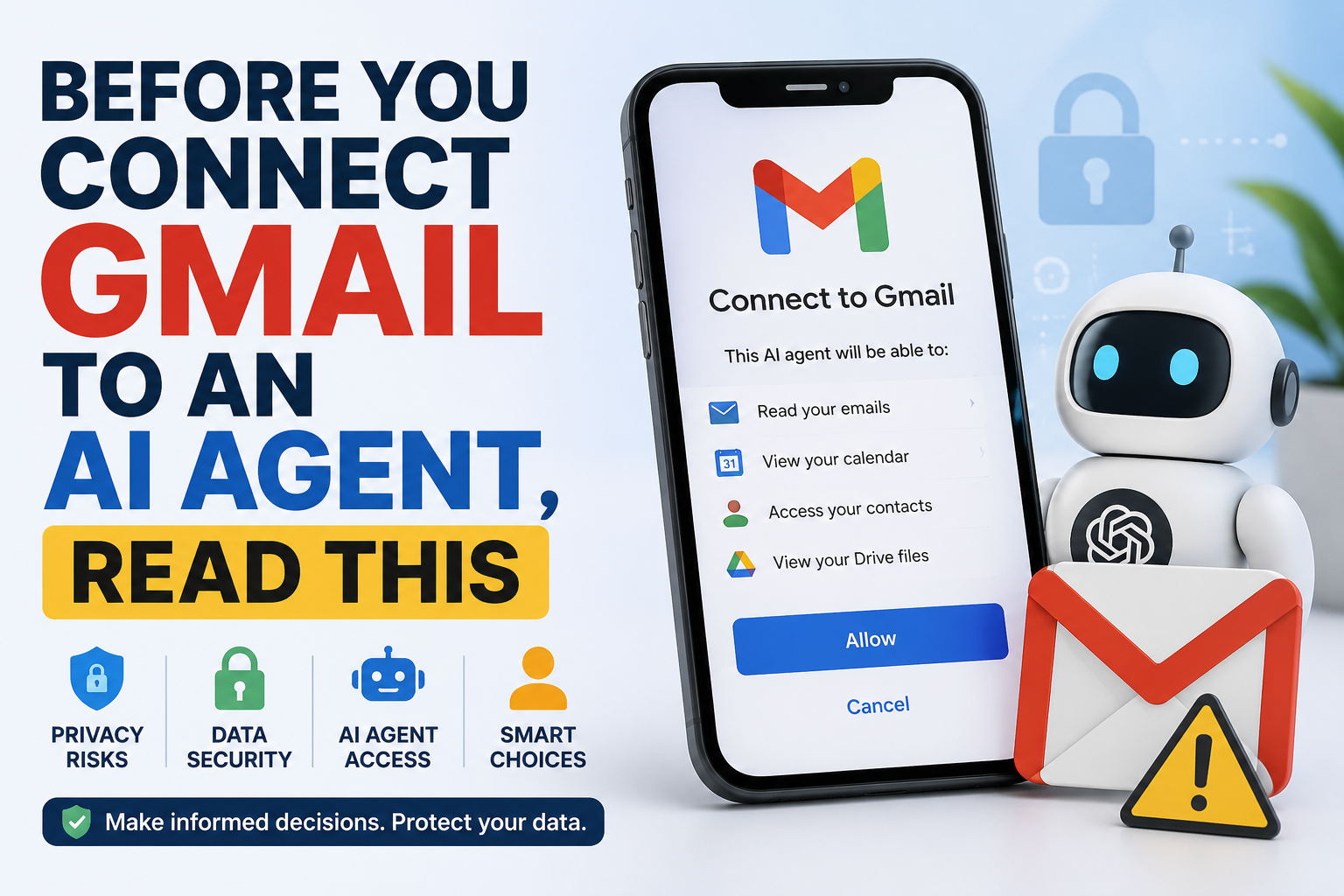
AI assistants are becoming smarter every day. They can summarize emails, schedule meetings, find important files, and even help you reply to messages.
To do all of this, many AI tools ask for permission to connect to your Gmail, Google Drive, Google Calendar, and other personal accounts.
It sounds convenient—and it is.
But before you click “Allow”, there are a few important things you should understand.
This article isn’t meant to scare you. AI agents can save time and improve productivity. However, giving any app access to your personal information should always be a thoughtful decision.
Let’s look at both the benefits and the risks in simple language.
What Is an AI Agent?
An AI agent is more than a chatbot.
Instead of only answering questions, it can perform tasks for you.
For example, an AI agent may:
- Read your emails
- Summarize long conversations
- Find attachments
- Add events to your calendar
- Search your Google Drive
- Draft email replies
- Help organize your work
To do these tasks, the AI needs permission to access your Google account.
This permission is usually given through Google’s secure sign-in system, called OAuth. You can choose whether to grant access, and you can remove it later.
Why Do People Connect Gmail to AI?
There are many useful reasons.
Imagine starting your day and asking:
“Summarize all important emails I received overnight.”
Instead of reading 50 emails, the AI gives you a short summary.
Or you could ask:
“Find the latest invoice from ABC Company.”
Or:
“Draft a reply to my manager based on yesterday’s conversation.”
These features can save hours every week.
For busy professionals, students, freelancers, and business owners, this can be a huge productivity boost.
The Benefits of Connecting Gmail to AI
1. Save Time
AI can quickly summarize long email threads.
Instead of reading every message, you get the key points.
2. Better Organization
AI can help you:
- Find old emails
- Locate attachments
- Identify important messages
- Prioritize urgent tasks
No more endless searching.
3. Smarter Replies
AI can draft professional email responses in seconds.
You can edit them before sending.
This is especially useful if you receive many emails every day.
4. Improved Productivity
Instead of switching between Gmail, Calendar, and Drive, one AI assistant can help you work across all of them.
This reduces repetitive work.
5. Better Accessibility
People who struggle with writing or reading long emails may find AI assistants especially helpful.
But Here’s the Important Question…
What information can the AI actually access?
The answer depends on the permissions you give.
Some AI tools may only read specific information.
Others may be able to access:
- Emails
- Attachments
- Contacts
- Calendar events
- Google Drive files
Always read the permission screen carefully before clicking Allow.
The Risks You Should Know
Using AI isn’t dangerous by itself.
The bigger issue is giving too much access without understanding what you’re approving.
Let’s look at the main risks.
1. Your Inbox Contains More Than Emails
Think about everything stored in Gmail.
Your inbox may include:
- Bank notifications
- Tax documents
- Medical appointments
- Travel bookings
- OTP confirmations
- Personal conversations
- Job offers
- Business contracts
Your email often tells the story of your life.
Giving another app access to it deserves careful thought.
2. More Access Means More Responsibility
Every connected app becomes another doorway to your information.
Most trusted AI companies invest heavily in security.
But no online system is completely risk-free.
The more services connected to your account, the more important it becomes to manage permissions carefully. Microsoft recommends using the principle of least privilege—giving an AI only the access it actually needs.
3. Not Every AI Tool Is the Same
Some AI companies are well known and transparent.
Others are brand new.
Before connecting your Gmail, ask yourself:
- Who built this tool?
- Do they have a clear privacy policy?
- Can you disconnect your account later?
- Are they transparent about how your data is used?
If you can’t answer these questions, think twice before connecting your account.
4. Sensitive Business Information
If you use Gmail for work, your inbox may contain:
- Customer information
- Financial reports
- Contracts
- Internal discussions
- Product plans
Many companies have policies about what employees can share with AI tools.
Always check your organization’s rules before connecting work accounts.
5. AI Can Make Mistakes
AI is improving rapidly.
But it is still not perfect.
It may:
- Misunderstand an email
- Miss important details
- Create incorrect summaries
- Suggest inaccurate replies
Always review important emails before sending them.
Think of AI as an assistant—not a replacement for your judgment.
6. New Types of Security Threats
Researchers have discovered that attackers can sometimes hide malicious instructions inside emails or web pages to try to confuse AI systems. Companies like Google are actively building protections against these “prompt injection” attacks, but users should still be cautious with unexpected or suspicious content.
Does Connecting Gmail Mean AI Learns Everything About You?
Not necessarily.
Different AI companies have different policies.
For example, OpenAI states that data retrieved from connected Google apps is not used to train its general AI models in normal use, although there are specific exceptions such as content you intentionally submit as feedback or manually paste into chats. It also explains how connected Google content is indexed and deleted after you disconnect the app. Always read the privacy policy of the service you use.
How to Connect Gmail Safely
If you decide to use an AI agent, follow these simple safety tips.
✅ Use trusted AI companies
Choose tools from companies with clear privacy and security policies.
✅ Read the permission screen
Don’t click Allow without reading what the app is requesting.
✅ Give only the permissions you need
If an app only needs Gmail access, don’t give it access to your Drive or Calendar unless it’s necessary.
✅ Review connected apps regularly
Google lets you see every app connected to your account.
Remove apps you no longer use.
✅ Turn on Two-Factor Authentication (2FA)
This adds an extra layer of security to your Google account.
Even if someone gets your password, they still can’t easily access your account.
✅ Never share passwords with AI
No legitimate AI assistant should ask for your Gmail password.
Always use Google’s official sign-in process.
✅ Double-check important actions
Before sending emails, deleting files, or sharing documents, quickly review what the AI is about to do.
Human approval is still your best protection.
Should You Connect Your Gmail to AI?
The answer depends on your needs.
If you use AI responsibly, connecting Gmail can save time and improve productivity.
However, convenience should never come at the cost of privacy.
Ask yourself these questions:
- Do I trust this company?
- Do I really need this feature?
- Am I comfortable with the permissions I’m granting?
- Could I remove this access later if needed?
If your answer is “yes,” an AI assistant can be a valuable tool.
If you’re unsure, wait until you’re comfortable.
There’s no harm in being cautious.
Final Thoughts
AI agents are changing the way we work.
They can organize emails, save time, and help us focus on what matters most.
But remember:
Your Gmail isn’t just an email account.
It contains your conversations, your work, your finances, your travel plans, and many details about your daily life.
Connecting it to an AI agent isn’t automatically good or bad—it simply means you’re placing trust in another service.
Make that decision carefully.
Understand what you’re sharing.
Review the permissions.
Choose trusted providers.
And remember one simple rule:
Use AI to make your life easier—but always stay in control of your own data.