
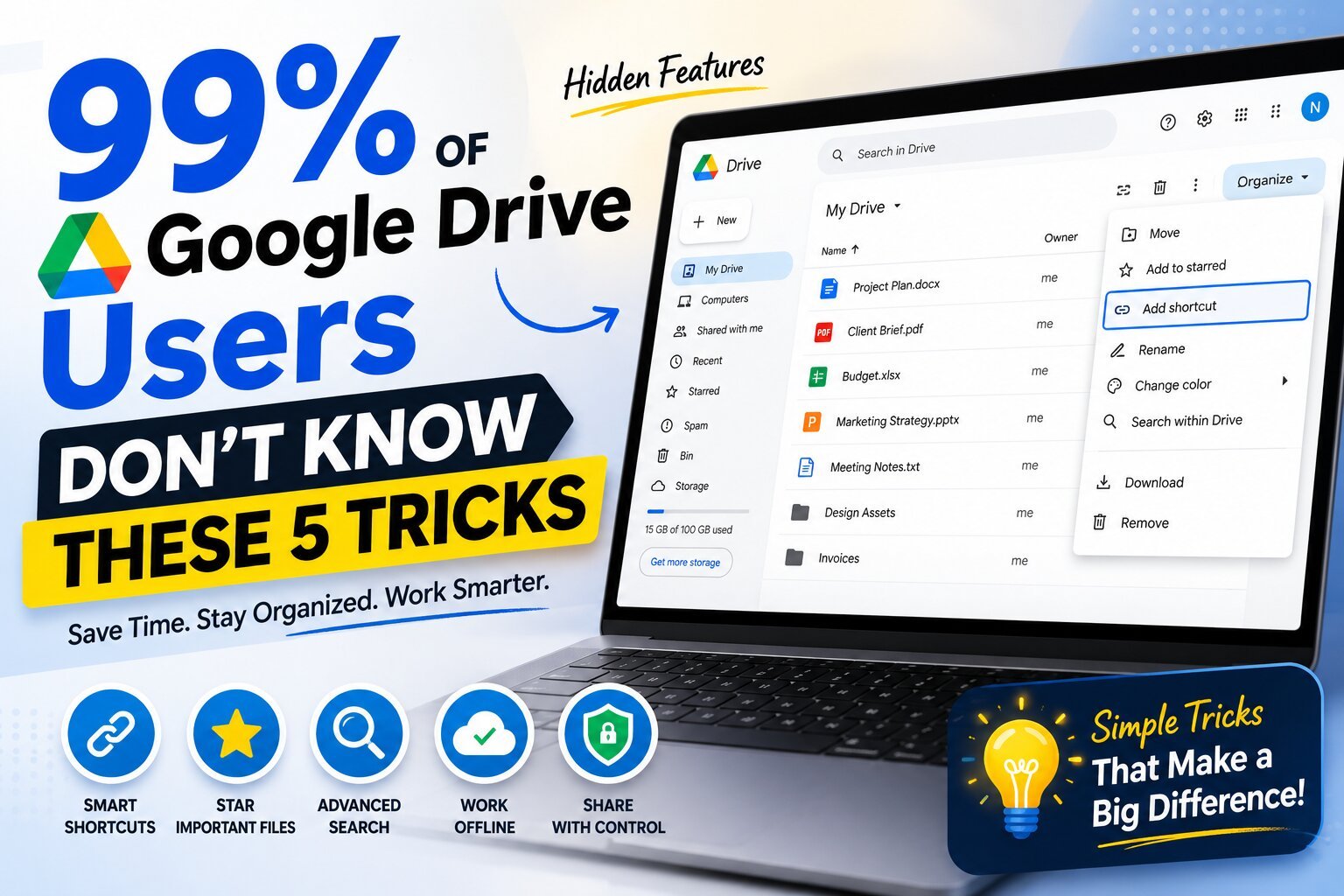
Think you know Google Drive? Think again.
Millions of people use Google Drive every day to store photos, documents, videos, and work files. Most people upload a file, create a folder, and that’s about it.
But Google Drive has several powerful features that can save you hours every week, improve collaboration, and even help you recover from mistakes. Surprisingly, many users never discover them because they’re hidden in plain sight.
Here are five Google Drive tricks that can completely change the way you use it.
1. Create Shortcuts Instead of Duplicate Files
Have you ever wanted the same file to appear in two different folders?
Most people solve this by creating a copy.
That’s a mistake.
Instead, create a shortcut.
A shortcut is simply a link to the original file. It lets the same document appear in multiple folders without creating duplicates. If you update the original file, everyone sees the latest version automatically. Google recommends shortcuts as the preferred way to organize files across folders.
Why it’s useful
- No duplicate files
- Saves storage space
- Keeps everyone working on the latest version
- Perfect for projects shared across multiple teams
2. Star Your Important Files
Searching for the same document every day wastes more time than most people realize.
Instead of digging through folders, simply Star important files.
Right-click any file and select Add to Starred.
Now every important document is available from the Starred section in one click. Google also lets you create Workspaces to group related files without moving them from their original locations.
Perfect for:
- Contracts
- College assignments
- Monthly reports
- Frequently used spreadsheets
3. Search Like a Pro
Most people only search by filename.
Google Drive’s search is much smarter.
You can search by:
- File type (PDF, Word, Excel)
- Owner
- Date modified
- Shared with specific people
- Keywords inside documents
- Location
Instead of scrolling through hundreds of files, use the advanced search filters to find exactly what you need in seconds.
4. Work Without Internet
Did you know Google Drive can work even when you’re offline?
Enable Offline Mode, and you can continue editing Google Docs, Sheets, and Slides while traveling or during an internet outage.
When your connection returns, Google automatically syncs your changes.
This feature is especially useful if you travel frequently or have unreliable internet.
5. Share Files Without Losing Control
Many users accidentally make files public.
Before sharing, check the permission settings.
Google Drive lets you choose whether someone can:
- View only
- Comment
- Edit
For extra control, you can even set an expiration date for access on supported Google Workspace accounts.
This helps protect important documents while still making collaboration easy.
Bonus Tip: Google Drive Is Smarter Than You Think
Google Drive isn’t just online storage anymore.
It can:
- Search text inside scanned PDFs and images (OCR)
- Suggest important files
- Recommend files you may need next
- Help organize files with AI-powered suggestions in supported accounts
Many users never notice these features because they happen quietly in the background.
Final Thoughts
Most people use only a small fraction of what Google Drive can do.
By using these five simple tricks, you can:
- Find files faster
- Stay organized
- Reduce duplicate documents
- Collaborate more efficiently
- Save time every day
The best part? Every feature mentioned here is built into Google Drive—you don’t need to install any extra software.
Which trick surprised you the most? Let us know in the comments!