
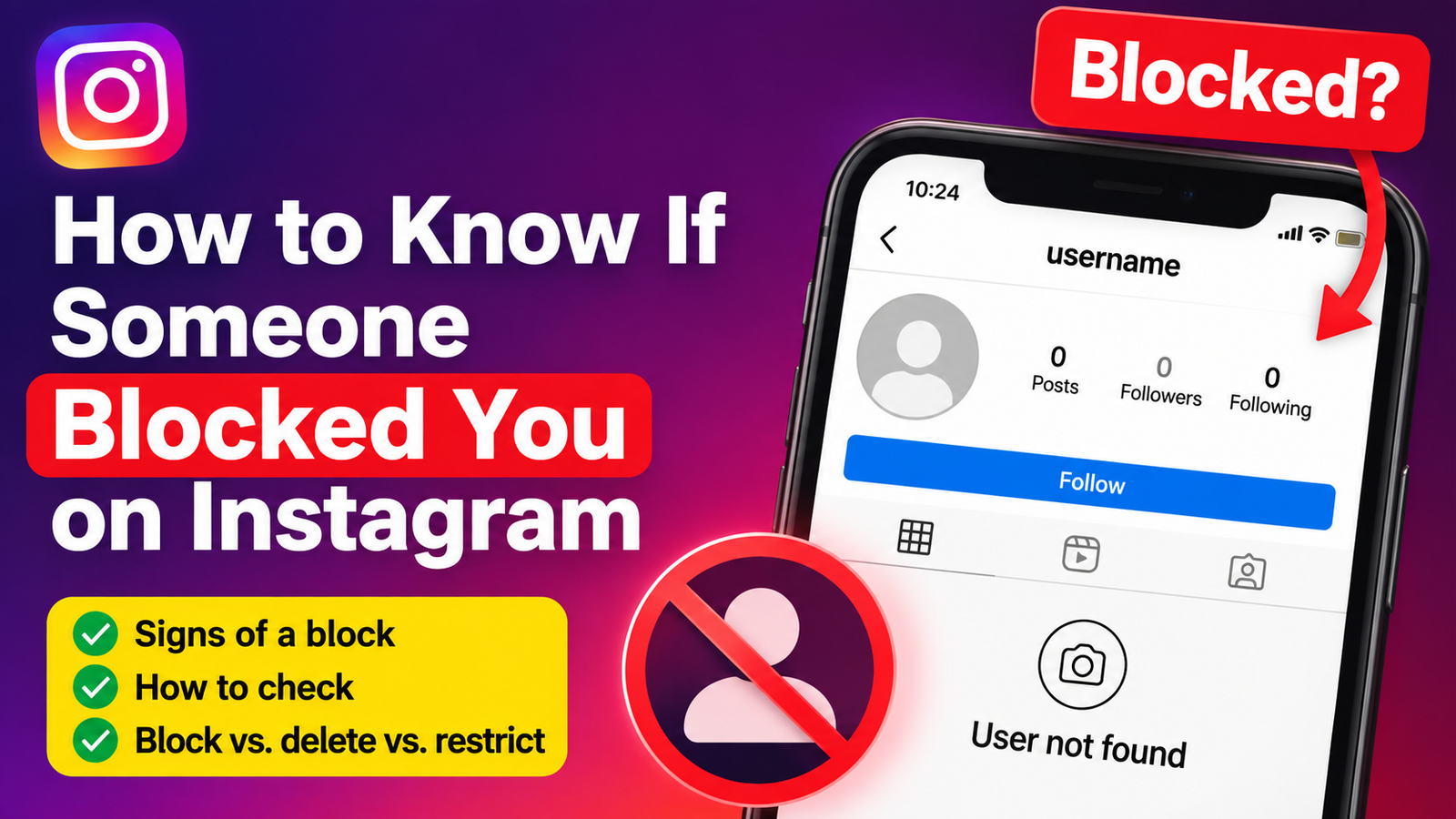
If you cannot find someone’s Instagram profile anymore, you may wonder if they blocked you. Instagram does not tell you when someone blocks you, but you can check a few simple signs.
Here is how to know if someone blocked you on Instagram.
1. Search for Their Instagram Username
Open Instagram and search for the person’s username.
If their profile does not appear, it could mean they blocked you. But this alone does not confirm it.
They may have also:
- Changed their username
- Deleted their account
- Temporarily deactivated their account
- Had their account disabled
So, check another sign before reaching a conclusion.
2. Check Your Old Messages
If you have previously chatted with the person, open your Instagram Direct messages.
Find your old conversation and tap their profile.
If you can no longer open their profile or see their content, it may be a sign that they blocked you.
However, this can also happen if the account is no longer active.
3. Search From Another Instagram Account
This is one of the best ways to check.
Use another Instagram account, or ask a trusted friend to search for the person’s username.
For example:
- Your account: You cannot find the profile.
- Another account: The profile appears normally.
If this happens, there is a strong possibility that the person blocked you on Instagram.
If the profile cannot be found from either account, they may have deleted or deactivated their account.
4. Check Their Profile and Posts
If you can find the profile but cannot see its posts or interact with the account normally, this may be another sign.
However, do not assume you are blocked immediately. The account could be private, the person may have removed their posts, or Instagram could be experiencing a temporary issue.
The best approach is to compare what you see from another account.
5. Check Your Previous Interactions
Look at places where you previously interacted with the person, such as comments or likes.
If their profile and content suddenly become unavailable, it can be another clue.
Instagram says that when someone blocks an account, likes and comments from that account can be removed from the blocker’s posts.
How to Tell If They Blocked You or Deleted Their Account
Not being able to find someone does not always mean you were blocked.
| What you see | Possible reason |
|---|---|
| You cannot find the profile, but another account can | You may have been blocked |
| Nobody can find the profile | Account may be deleted or deactivated |
| Old username no longer works | They may have changed their username |
| You can still see the profile but are no longer following | They may have removed you as a follower |
Instagram says temporarily deactivating an account hides the person’s profile, photos, comments, and likes until the account is reactivated.
Blocked or Restricted: What’s the Difference?
Blocking prevents you from normally accessing and interacting with the person’s Instagram account.
Restricting is different. You can generally still see the person’s profile and posts, but some interactions are limited. For example, the person can control how your comments appear and you may not be able to see their activity status or read receipts.
So if you can still see someone’s profile but your interactions seem different, they may have restricted you instead of blocking you.
The Easiest Way to Check
If you want the quickest answer, follow these three steps:
- Search for their username from your account.
- Open their profile through an old Instagram conversation if possible.
- Search for the same username from another account.
If the profile is visible to another account but not yours, you may have been blocked on Instagram.
If nobody can find the profile, it is more likely that the account was deleted, deactivated, renamed, or otherwise became unavailable.
Final Thoughts
Instagram does not send a notification when someone blocks you. Therefore, there is no single button or message that can confirm a block.
The most reliable clue is to compare what you can see from your account with what another Instagram account can see. If the profile works normally for another account but not for yours, being blocked is a strong possibility.