
Imagine opening your inbox one morning and finding messages about password reset requests you never made. A few minutes later, your social media account logs you out, and someone has tried to sign in from another country.
This isn’t just something that happens to celebrities or big companies. It happens to ordinary people every day.
A few months ago, one of my friends received a notification from a shopping website saying there had been unusual login activity. At first, he ignored it because his password was “strong enough.” Later that evening, he discovered someone had logged into his old email account and was trying to reset passwords for several other services.
Fortunately, he noticed the alerts early and secured his accounts before anything valuable was stolen.
The scary part?
He had no idea that his email address had already been exposed in a data breach years earlier.
If you have been using the same email address for several years, there is a good chance it has appeared in at least one data breach. The good news is that checking takes less than a minute.
In this guide, you’ll learn exactly how to check if your email has been compromised and what to do next.
What Is a Data Breach?
A data breach happens when hackers gain unauthorized access to a company’s database and steal user information.
The stolen information may include:
- Email addresses
- Passwords
- Phone numbers
- Names
- Home addresses
- Credit card details
- Dates of birth
Sometimes only email addresses are leaked. Other times, passwords and other sensitive information are exposed as well.
Hackers often sell this data online or use it for phishing attacks and account takeovers.
Why Should You Check Your Email?
Many people believe they would immediately know if their information had been stolen.
Unfortunately, that is rarely true.
A breach can happen today, but stolen data may not be used until months or even years later.
Checking your email regularly helps you:
- Find out whether your email has appeared in known breaches.
- Change passwords before hackers misuse them.
- Protect important accounts like banking and email.
- Reduce the risk of identity theft.
- Stay ahead of cybercriminals.
Think of it like checking your credit score. Even if nothing seems wrong, it is good to check occasionally.
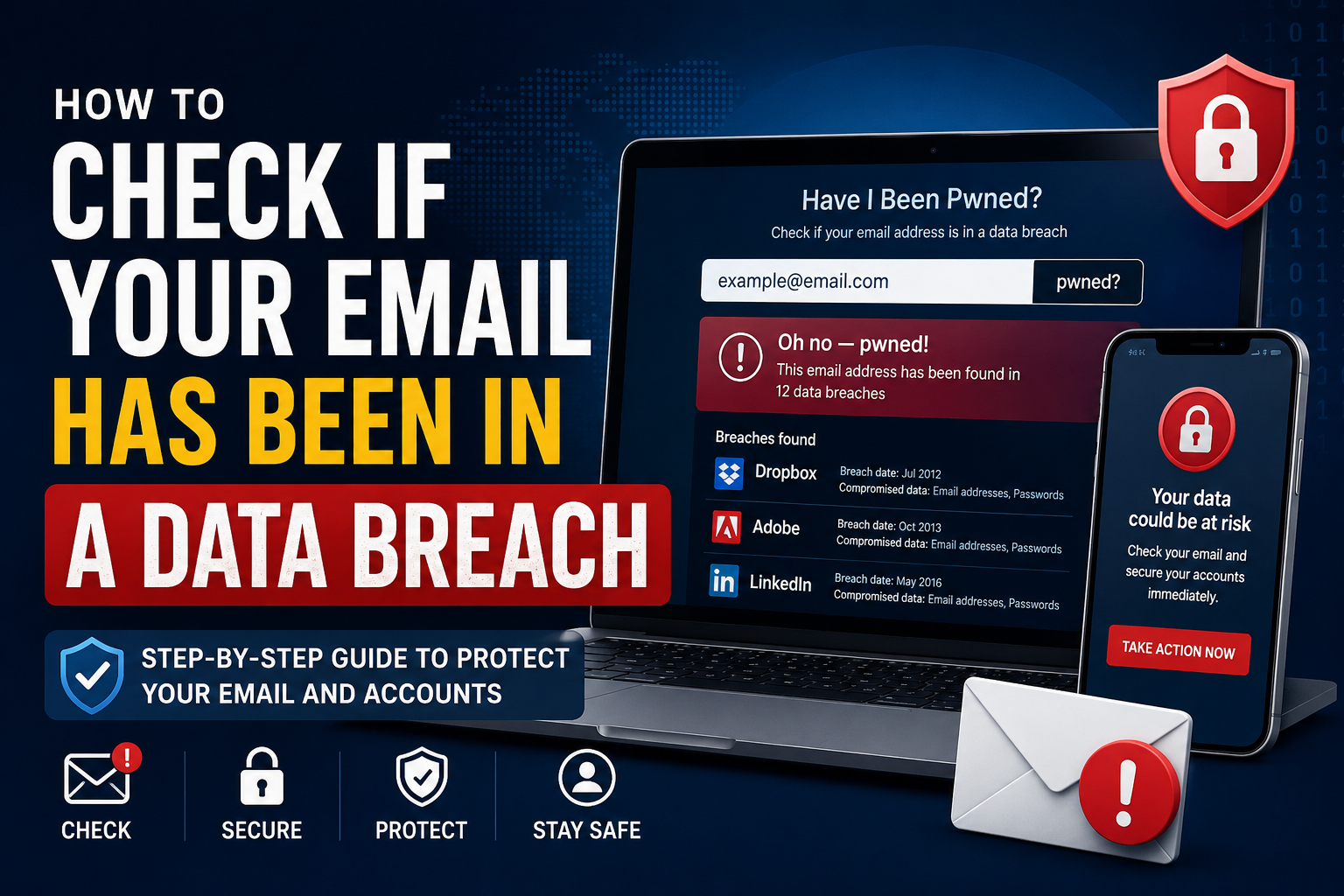
Method 1: Use Have I Been Pwned
The easiest and most trusted way to check your email is by using Have I Been Pwned.
This free website keeps a large database of publicly known data breaches.
Steps
- Visit https://haveibeenpwned.com
- Enter your email address.
- Click pwned?
- Wait a few seconds.
If your email appears in any known breach, the website will display:
- Which companies were breached
- When the breach happened
- What information was exposed
- Whether passwords were leaked
If you see a green message saying “Good news — no pwnage found!”, your email has not appeared in any known public breach.
Remember, this does not guarantee your email has never been compromised. It only means it has not appeared in the public breach database.
Method 2: Check Google Password Manager
If you use Google Chrome or Android, Google can also warn you about compromised passwords.
Steps
- Open Chrome.
- Go to Password Manager.
- Run a Password Checkup.
- Google will compare your saved passwords against known leaked passwords.
If any password has been exposed, Google will recommend changing it immediately.
This is one of the easiest ways to discover weak or compromised passwords.
Method 3: Use Your Password Manager
Many password managers include built-in breach monitoring.
Popular password managers can alert you if:
- Your email appears in a breach.
- One of your passwords has been leaked.
- You reuse the same password across multiple websites.
- Your passwords are weak.
These alerts can save you from discovering a problem too late.
Method 4: Check Your Browser Security Features
Modern browsers now include security checks.
For example:
- Google Chrome checks compromised passwords.
- Microsoft Edge offers password monitoring.
- Firefox provides breach alerts through its security services.
If you have never explored these features, it is worth taking a few minutes to do so.
What If Your Email Has Been Found in a Data Breach?
Don’t panic.
Finding your email in a breach does not necessarily mean someone has hacked your account.
It simply means your information appeared in leaked data from a website or service.
Take these steps immediately.
Change Your Password
Start with the affected website.
Create a completely new password that you have never used before.
Avoid passwords like:
- Password123
- Welcome123
- YourName123
- Birthdays
Instead, create a long password containing random words, numbers, and symbols.
A password manager can generate strong passwords automatically.
Change Passwords on Other Websites
Many people reuse the same password on multiple websites.
If you used the same password elsewhere, change those passwords too.
Otherwise, hackers may try the leaked password on other services such as:
- Gmail
- Amazon
- Netflix
This attack is known as credential stuffing.
Enable Two-Factor Authentication (2FA)
Two-Factor Authentication adds an extra layer of security.
Even if someone steals your password, they still need a verification code to log in.
Most major websites support:
- Authenticator apps
- Security keys
- SMS verification
Authenticator apps are generally more secure than SMS codes.
Watch for Phishing Emails
After a breach, scammers often send fake emails pretending to be:
- Banks
- Online stores
- Delivery companies
- Social media platforms
These emails may ask you to:
- Click a suspicious link
- Download an attachment
- Enter your password
- Verify your account
Always check the sender’s email address carefully before clicking anything.
Check Financial Accounts
If the breached website stored payment information, monitor your:
- Bank account
- Credit card
- Online payment services
Report any suspicious activity immediately.
Remove Old Accounts You No Longer Use
Many people have dozens of forgotten accounts.
Old websites often have weaker security than modern platforms.
Take some time to:
- Delete unused accounts.
- Remove saved payment methods.
- Update recovery email addresses.
- Remove personal information where possible.
Less personal data online means fewer opportunities for hackers.
Signs That Someone May Have Access to Your Email
Watch for these warning signs:
- Password reset emails you didn’t request.
- Login alerts from unknown locations.
- Missing emails.
- Messages sent from your account that you didn’t write.
- New recovery phone numbers or email addresses.
- Security settings changing without your knowledge.
If you notice any of these, change your password immediately and review your account’s security settings.
How Often Should You Check?
Checking once is not enough.
A good habit is to check:
- Every three to six months
- After hearing about a major company breach
- Whenever you receive suspicious login notifications
- After installing a new password manager
It only takes a minute and can prevent much bigger problems later.
Tips to Keep Your Email Safe
Here are some simple habits that make a big difference:
- Use a different password for every website.
- Turn on Two-Factor Authentication.
- Never share passwords through email or messages.
- Keep your browser updated.
- Use a password manager.
- Avoid clicking suspicious links.
- Keep your recovery email and phone number up to date.
- Review your account security settings regularly.
Small habits like these can greatly reduce your risk.
Common Myths About Data Breaches
“My email isn’t important.”
Your email is often the key to all your other accounts. If someone controls your email, they can often reset passwords for many services.
“Only famous people get hacked.”
Cybercriminals mostly target ordinary users because they attack millions of accounts automatically.
“A strong password is enough.”
A strong password helps, but it is much safer when combined with Two-Factor Authentication and unique passwords for every account.
“If a company gets hacked, there’s nothing I can do.”
You can’t stop the breach, but you can protect yourself by changing passwords quickly and enabling extra security.
Final Thoughts
Most people don’t realize their email has been exposed until something goes wrong. By then, recovering accounts can be stressful and time-consuming.
The good news is that checking your email for known data breaches is quick, free, and easy. Spending just a few minutes today could save you from losing access to important accounts or becoming the victim of fraud.
Make it a habit to check your email occasionally, use unique passwords, enable Two-Factor Authentication, and stay alert for suspicious activity. Online security doesn’t have to be complicated—small, consistent steps can go a long way in keeping your digital life safe.