
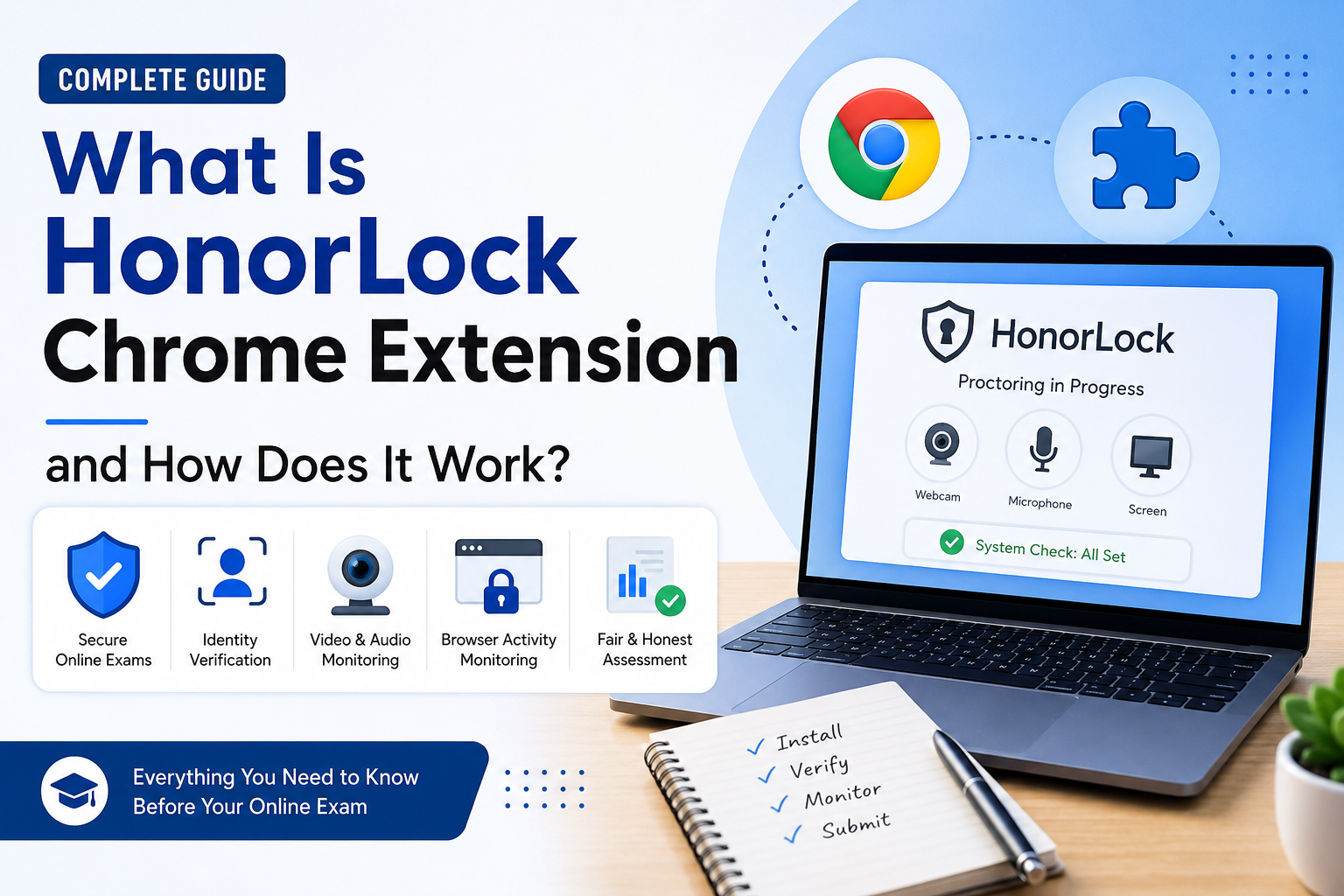
Online learning has changed the way students take exams. Instead of visiting a classroom or testing center, many schools and universities now conduct exams online. To make sure these exams are fair and secure, educational institutions use online proctoring software. One of the most widely used tools is the HonorLock Chrome Extension.
If your instructor has asked you to install the HonorLock Chrome Extension, you may be wondering what it does, why it needs certain permissions, and whether it is safe to use. These are common questions, especially for students using the extension for the first time.
In this guide, you’ll learn everything you need to know about the HonorLock Chrome Extension in simple English.
What Is HonorLock Chrome Extension?
The HonorLock Chrome Extension is a browser extension designed for Google Chrome that helps schools and universities conduct secure online exams. It works with the HonorLock online proctoring platform to monitor exams and help maintain academic honesty.
Instead of requiring students to travel to a testing center, HonorLock allows them to take exams from home or another approved location. During the exam, the extension performs security checks and monitors the testing session based on the rules set by your school or instructor.
Today, many colleges, universities, and certification providers use the HonorLock Chrome Extension for quizzes, midterm exams, final exams, and professional certification tests.
Why Do Schools Use HonorLock Chrome Extension?
Online exams can be convenient, but they also create new challenges. Without supervision, it can be difficult to ensure that every student follows the same rules.
The HonorLock Chrome Extension helps create a fair testing environment by supporting secure online assessments. Schools use it to:
- Verify that the correct student is taking the exam.
- Help reduce cheating during online tests.
- Monitor the testing session.
- Protect exam questions from being shared.
- Eliminate the need for physical testing centers.
- Save time for instructors and administrators.
By using HonorLock, educational institutions can offer remote exams while maintaining academic integrity.
How Does HonorLock Chrome Extension Work?
The HonorLock Chrome Extension works in several stages before and during an online exam.
1. Exam Preparation
Before your exam begins, you will usually receive a link from your instructor or learning management system. If the extension is not already installed, HonorLock will guide you through the installation process.
It also checks whether your computer meets the technical requirements needed for the exam.
2. Identity Verification
Many schools require identity verification before the exam starts.
Depending on your institution’s settings, HonorLock may ask you to:
- Show your student ID or government-issued ID.
- Take a selfie.
- Confirm your identity before entering the exam.
This process helps ensure that the registered student is taking the test.
3. Permission Requests
During setup, the HonorLock Chrome Extension may request access to several parts of your computer, including:
- Webcam
- Microphone
- Screen
- Browser tabs
These permissions allow the extension to monitor the exam according to your instructor’s requirements.
Not every exam uses every permission. The settings depend entirely on your educational institution.
4. Browser Monitoring
Once the exam begins, the extension monitors browser activity for actions that may violate exam rules.
For example, it may detect:
- Opening unauthorized websites.
- Frequently switching browser tabs.
- Closing the exam window.
- Using restricted browser features.
- Running prohibited applications, if required by the exam settings.
If unusual activity is detected, HonorLock may flag the event for the instructor to review later. A flagged event does not automatically mean that a student cheated. It simply gives instructors additional information to review.
5. Video and Audio Monitoring
Some online exams require students to keep their webcam and microphone turned on throughout the test.
This allows the instructor to confirm that:
- The correct student is taking the exam.
- No one else is providing assistance.
- The testing environment follows the exam rules.
The exact monitoring features depend on your instructor’s settings.
6. Completing the Exam
After you submit your answers, the exam session ends. The monitoring process stops according to your institution’s policies, and your instructor reviews the exam results along with any flagged events before final grading.
What Permissions Does HonorLock Chrome Extension Need?
Many students become concerned when the extension requests access to their computer. Understanding these permissions helps reduce confusion.
Camera Access
The webcam is used for identity verification and monitoring the testing environment during the exam.
Microphone Access
The microphone may be used to detect sounds or conversations if your instructor requires audio monitoring.
Screen Access
Screen sharing allows the extension to monitor the exam window and detect activities that may not be allowed during the test.
Browser Access
The extension interacts with Google Chrome to help manage the exam session and enforce the testing rules established by your institution.
These permissions are generally used only during HonorLock-enabled exam sessions.
Is HonorLock Chrome Extension Safe?
One of the most common questions students ask is whether the HonorLock Chrome Extension is safe.
HonorLock is designed specifically for educational testing and is used by many colleges and universities around the world. Like other online proctoring software, it requires certain permissions to perform its job during an exam.
If you have concerns about privacy, you should:
- Read your school’s HonorLock guidelines.
- Review HonorLock’s privacy policy.
- Contact your instructor or IT department with any questions.
Understanding how the software works can make the exam process less stressful.
Can HonorLock See Everything on Your Computer?
No. The HonorLock Chrome Extension is intended to monitor exam-related activities according to your institution’s settings.
It is not designed to continuously monitor your computer outside authorized testing sessions.
The level of monitoring depends on your school’s policies and the specific exam configuration.
How to Install HonorLock Chrome Extension
Installing the extension takes only a few minutes.
First, open Google Chrome on your computer.
Next, open the exam link provided by your instructor.
If HonorLock is required, you will be prompted to install the HonorLock Chrome Extension.
Follow the installation steps and allow the requested permissions.
If Chrome asks you to restart the browser, do so before returning to your exam.
Finally, complete the system check to make sure your webcam, microphone, and internet connection are working properly.
Common Problems Students Face
Although installation is usually simple, some students experience technical issues before an exam.
Common problems include:
- Camera not detected.
- Microphone not working.
- Extension not loading.
- Permission errors.
- Google Chrome not updated.
- Slow or unstable internet connection.
Most of these problems can be solved by restarting Chrome, updating the browser, checking your device permissions, or restarting your computer.
Testing your setup before exam day can help avoid unnecessary stress.
Tips for a Smooth HonorLock Exam
A little preparation can make a big difference during your online exam.
Make sure you install the HonorLock Chrome Extension before exam day instead of waiting until the last minute.
Update Google Chrome to the latest version and ensure your internet connection is stable.
Test your webcam and microphone before the exam begins.
Close unnecessary programs and browser tabs that are not related to your exam.
Choose a quiet, well-lit room where you can complete the test without interruptions.
Finally, read all exam instructions carefully so you understand your instructor’s requirements.
Benefits of HonorLock Chrome Extension
The HonorLock Chrome Extension offers advantages for both students and educational institutions.
For students, it provides the convenience of taking exams from home without traveling to a testing center. The installation process is straightforward, and identity verification can usually be completed in just a few minutes.
For instructors and schools, HonorLock helps protect exam integrity, supports secure online testing, and reduces the need for in-person supervision.
Frequently Asked Questions
Does HonorLock Chrome Extension only work with Google Chrome?
Yes. The extension is designed specifically for the Google Chrome browser.
Is HonorLock free for students?
In most cases, students do not purchase HonorLock directly. Access is usually provided by the educational institution.
Can I uninstall HonorLock Chrome Extension after my exam?
Yes. Once your institution no longer requires the extension, you can remove it from Google Chrome.
Does every HonorLock exam record video and audio?
Not necessarily. The monitoring features depend on the settings chosen by your instructor or institution.
Can HonorLock detect phones?
Students should always follow their institution’s exam rules. Depending on the exam settings, HonorLock may use different monitoring methods to help maintain exam integrity.
Final Thoughts
The HonorLock Chrome Extension is an important tool that helps schools and universities conduct secure online exams. It verifies student identity, checks system requirements, and monitors exams according to the rules established by educational institutions.
Although the extension requests access to features like your webcam, microphone, screen, and browser during an exam, these permissions are intended to support secure remote testing. Understanding how the HonorLock Chrome Extension works before exam day can help you feel more confident and avoid common technical problems.
If you have an upcoming online exam, install the extension early, test your equipment, and carefully read your instructor’s instructions. A little preparation can help ensure a smooth and successful testing experience.